How to boost your FPS
Table of contents
- Adjusting in game video settings
- Getting Mz Game Accelerator
- Getting Ccleaner
- Getting gamebooster(non premium)
- Priority of java
- Conclusion
I'll show you guys how to use evrything with picture proof.
We start off with what needs to be done -> Showing you guys what my fps is at the start
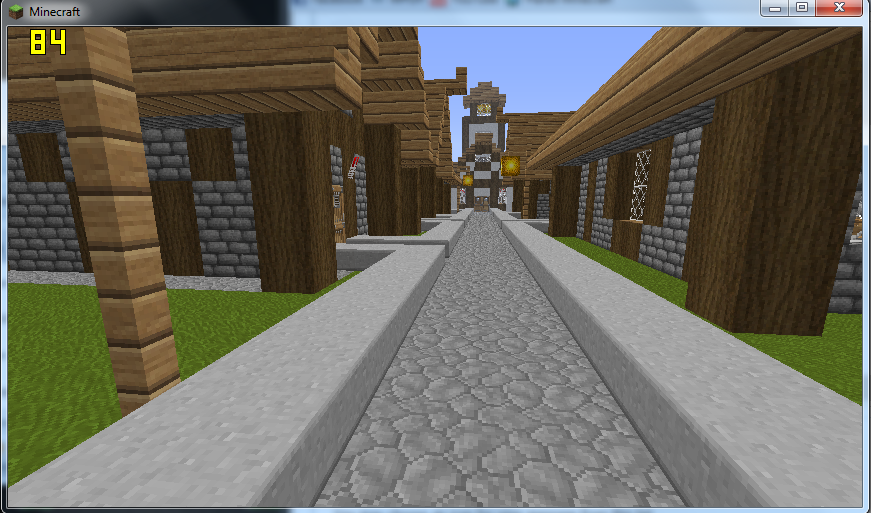
1. Adjusting in game video settings
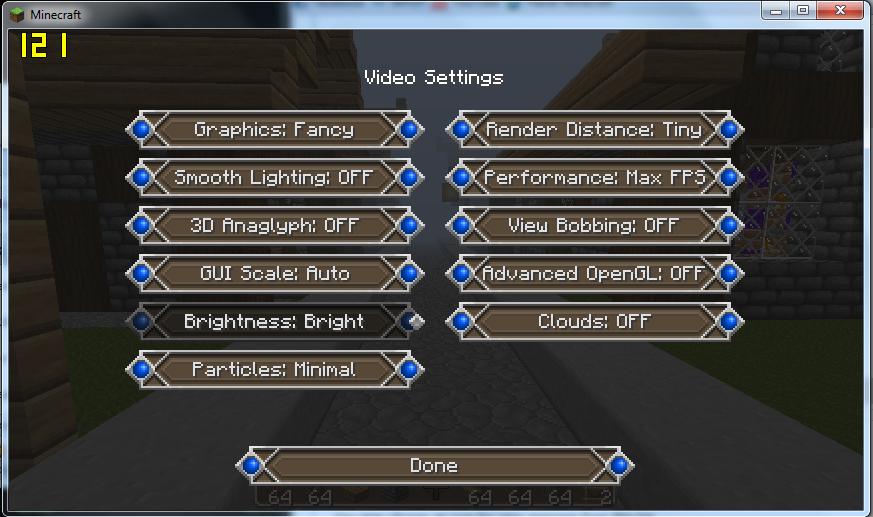
My new fps(after adjusting the settings)
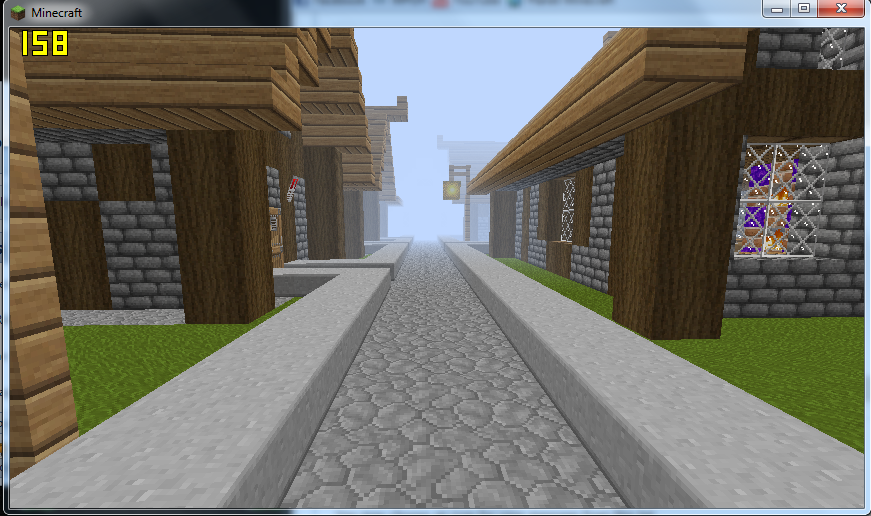
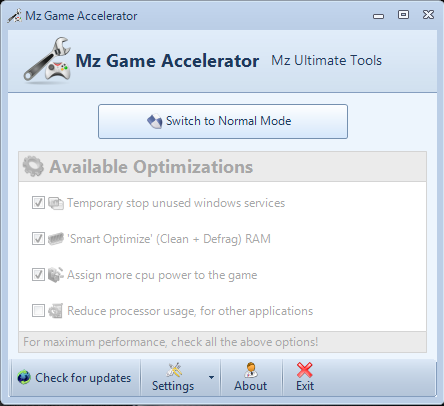
2. Getting Mz Game Accelerator
http://www.mpgh.net/forum/287-crossf...educe-lag.html
Download it from this link, open it and click 'Click here to switch to Game Acceleration mode'
I recoverd 242Mb RAM and in the end it looks like this
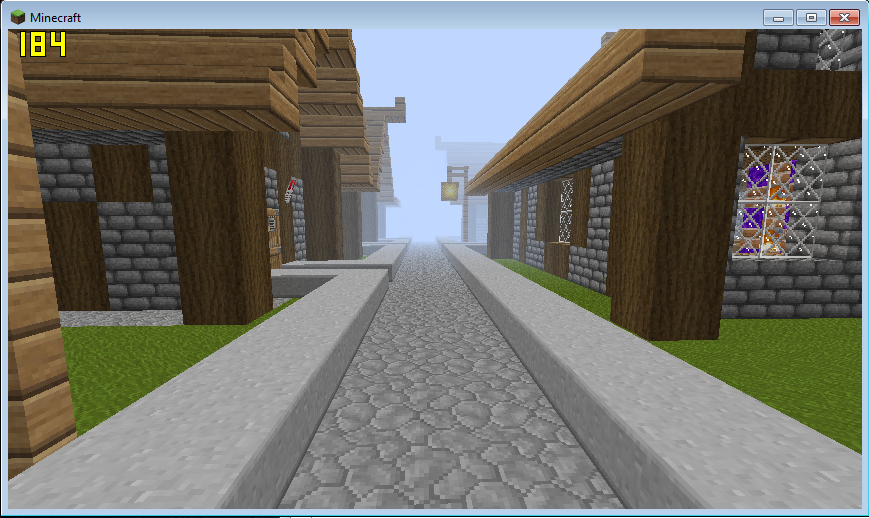
My new fps(after using Mz Game Accelerator)
3. Getting Ccleaner
Since Ccleaner has an auto-update setting, it is forbidden to post this as an attachment on mpgh.
Therefore, download it by clicking the official site link CCleaner - Optimization and Cleaning - Free Downloadⓘ
@Thunder, @Liz : Am I allowed to do this?
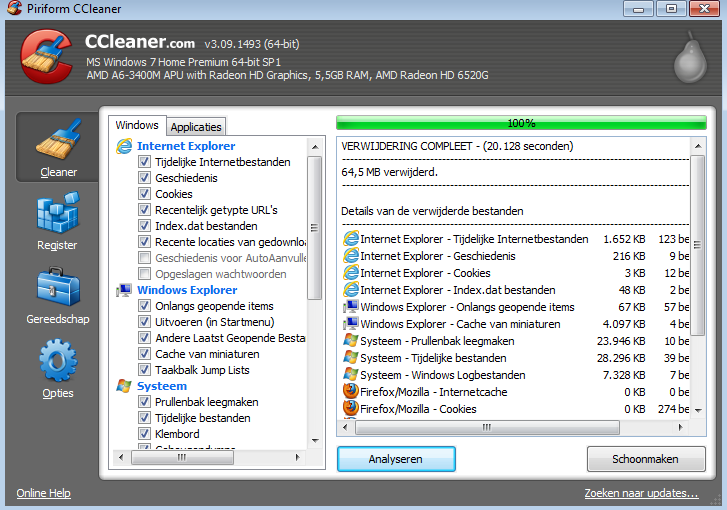
I recovered another 65Mb RAM after use Ccleaner, but my fps remained the same as after Mz Game Accelerator.
4. Getting Gamebooster
http://www.mpgh.net/forum/290-crossf...-included.html
This link was uploaded by Hero, but the serial key is overused and not working anymore. However, gamebooster can also
boost ur fps with the free version. This is also an auto-update program, if you don't trust the updater, just ignore the message "A newer version is availbale"
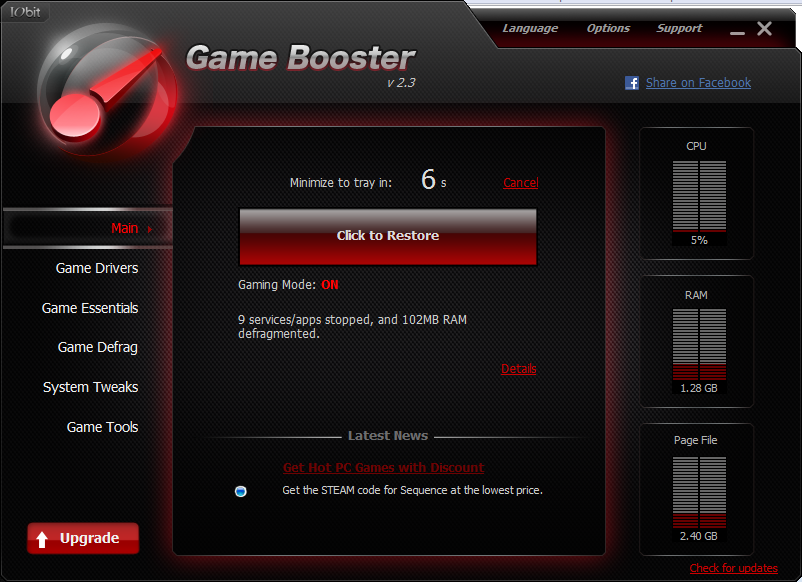
I recovered another 102Mb RAM using game booster
My new fps(after using Game Booster)
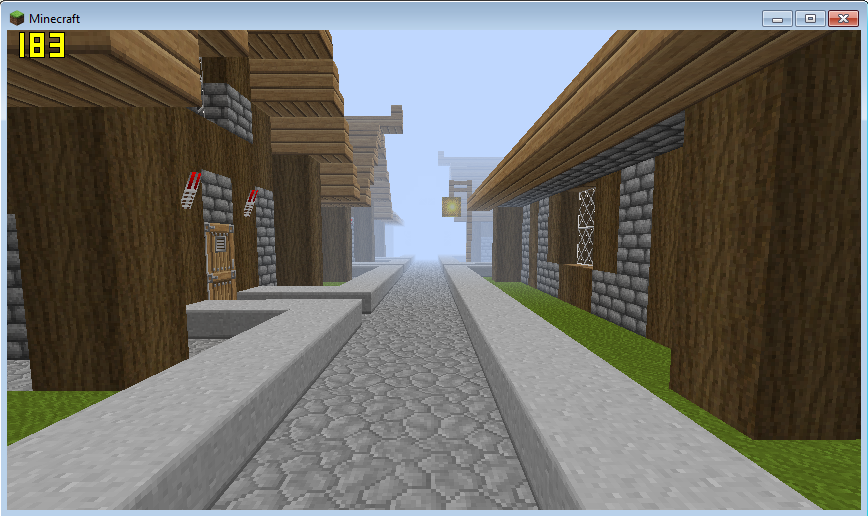
As you can see, my fps didn't raise anymore, but I did recover more RAM to use for games.
5. Priority of java
Steps - Go to windows task manager, processes, scroll for javaw, right click, set priority to High or realtime if possible.

Conclusion
- I recovered 409Mb RAM
- I went from 84 -> 184 fps
- Using this will normally double your FPS!


 Originally Posted by Wizdom-X