Home › Forum › MultiPlayer Game Hacks & Cheats › Minecraft Hacks & Cheats › Cracked Minecraft for Linux/Mac OSX
Cracked Minecraft for Linux/Mac OSX
Cracked Minecraft for Linux/Mac OSX
[FONT="Lucida Sans Unicode"][COLOR="DarkSlateGray"][SIZE="2"]Same deal as last time; tested and working on Mac OSX, I don't have a screenshot of Mac OSX as I gave the file to a friend to test it for me.
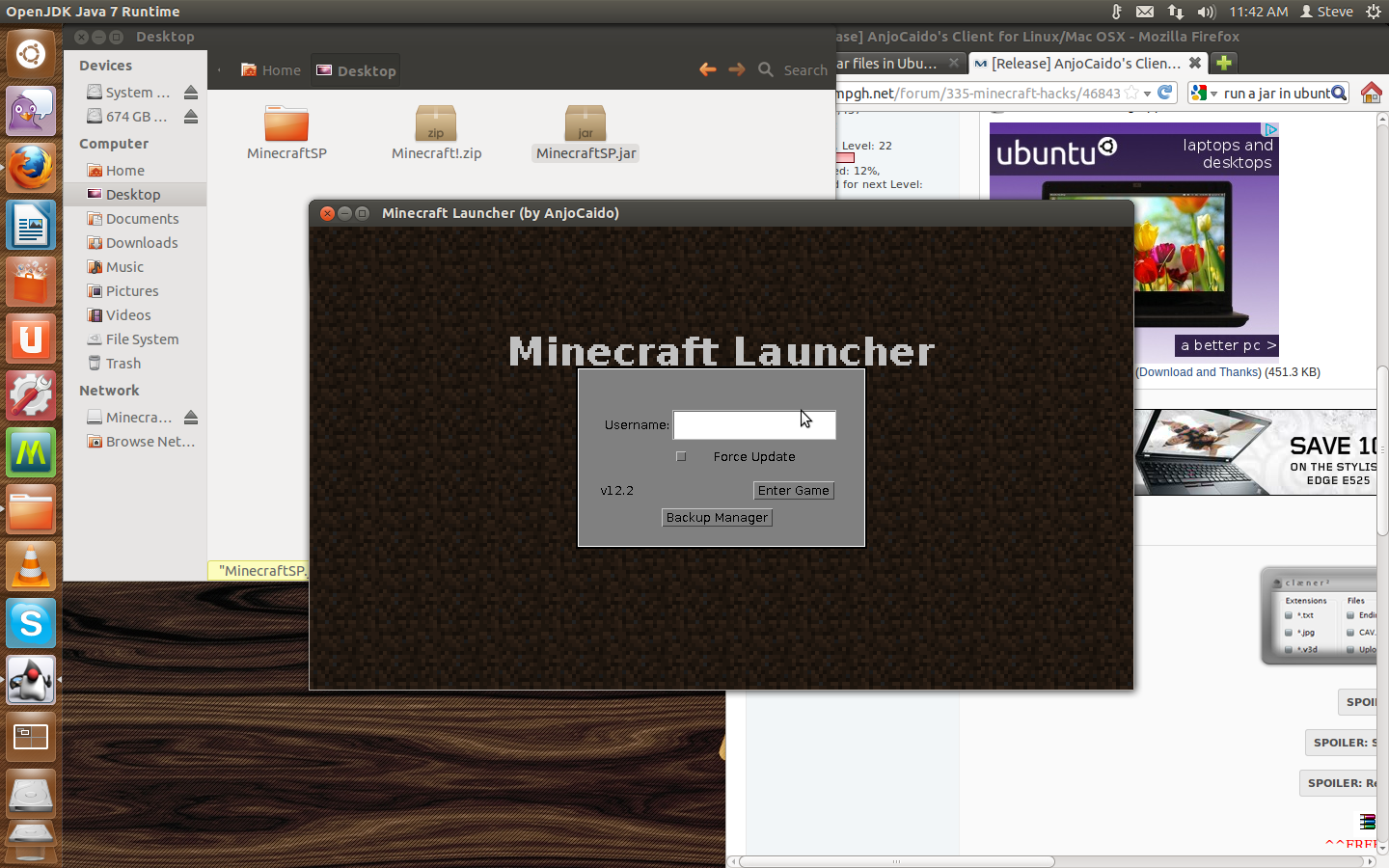
-How to fix the black screen notice-
Confirmed working 4 / March / 2013, Xubuntu 12.10
 Originally Posted by dusf

-How to fix the black screen notice-
Confirmed working 4 / March / 2013, Xubuntu 12.10
Originally Posted by dusf
For who don't know, AnjoCaido is brazilian (like me). So, some people should stop the brazilian racism, in my opinion. ^-^
But anyway, great launcher!
But anyway, great launcher!
I tested the windows version. Looks fine. I'm not sure about the linux version but its good on the windows and apparently the Mac version as well.
Approved.
Approved.
Originally Posted by Rigby
It works.
Ok then thanks.
Lol the windows version always worked on the Mac for me but i'm sure this is good for Linux users.
/stickied, + title changed (if you don't mind; aero)
/stickied, + title changed (if you don't mind; aero)
Originally Posted by Polo

Nice Release, my friend has linux so maybe he'd like this.
Thanks For the Release  .
.
It seems it was posted just for me xD.
.It seems it was posted just for me xD.
 Will really help my friend out.
 Thank you .
.Hmm...interesting if I ever want to play it on my Linux machine! :P
ty from my girlfriend
Thank you, i was looking for this to play with friends.
But I seem to be having some problem with my game in Arch Linux. After I press 'Start game' it just goes for a blck screen.... Any thoughs?
Thanks in advance
EDIT: It acuses "Exception in Minecraft main threads" in some liblwgl.so and it says that it has the wrong ELF class: ELFCLASS32 (possibly due to architecture word width mismatch)
But my distro is 32bit. I didn't see anything about the file being 64bit. Did I miss something?
But I seem to be having some problem with my game in Arch Linux. After I press 'Start game' it just goes for a blck screen.... Any thoughs?
Thanks in advance
EDIT: It acuses "Exception in Minecraft main threads" in some liblwgl.so and it says that it has the wrong ELF class: ELFCLASS32 (possibly due to architecture word width mismatch)
But my distro is 32bit. I didn't see anything about the file being 64bit. Did I miss something?
Originally Posted by peudias
Similar Threads
- 1Last post
- 2Last post
- PRIVATE CRACKED MINECRAFT SERVER [HAMACHI] LOOKING FOR 1 OR 2 GOOD BUILDERSBy 7722lol in Minecraft Server Advertising8Last post
- 2Last post
- 17Last post