[Preview] ConsoleKRelay

Posts 1–15 of 27 · Page 1 of 2
[Preview] ConsoleKRelay
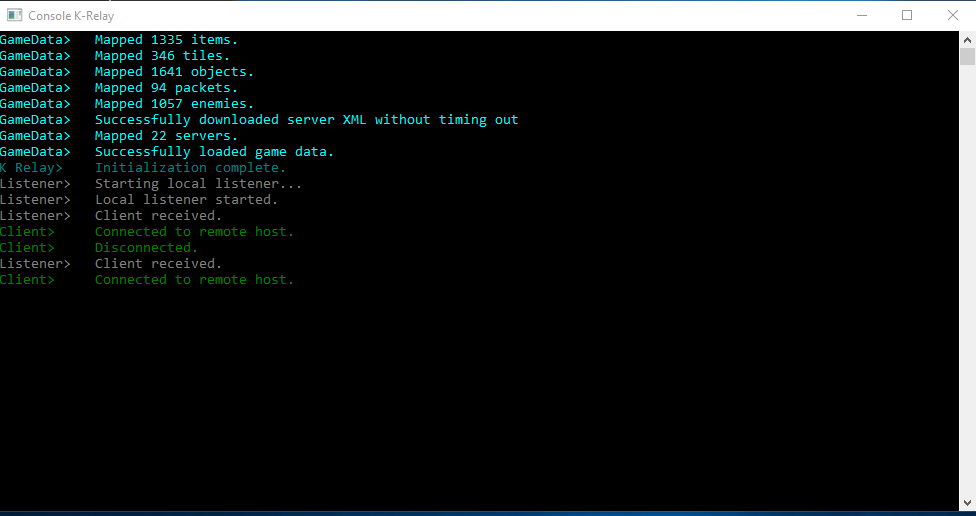
A quick preview on my current project:


It's KRelay in a console

Why:
You can easily input commands in a console, you couldn't in KRelay. I'm planning to make it able to discard packets and send packets on runtime.

Currently:
Code:
All the normal features of KRelay (themes too, but with console colors)

Send command. (Currently only works for PlayerTextPacket, I'll add all of the client->server packets though.) 
Description: Sends the specified packet, with the specified arguments.
For sending a playertextpacket (to chat, using consolekrelay) you would do send PlayerTextPacket 'message here'

Discard command.
Description: Discards the next packet received
If you want to discard the next EG GotoACK packet, you would do discard GotoAckPacket

(more to add)
Image of send command:


What do you think? I made this so I can test packets so I don't have to build each time, and use packet sending without making a new temporary plugin each time.


Oh and I'll release it if anyone wants it.
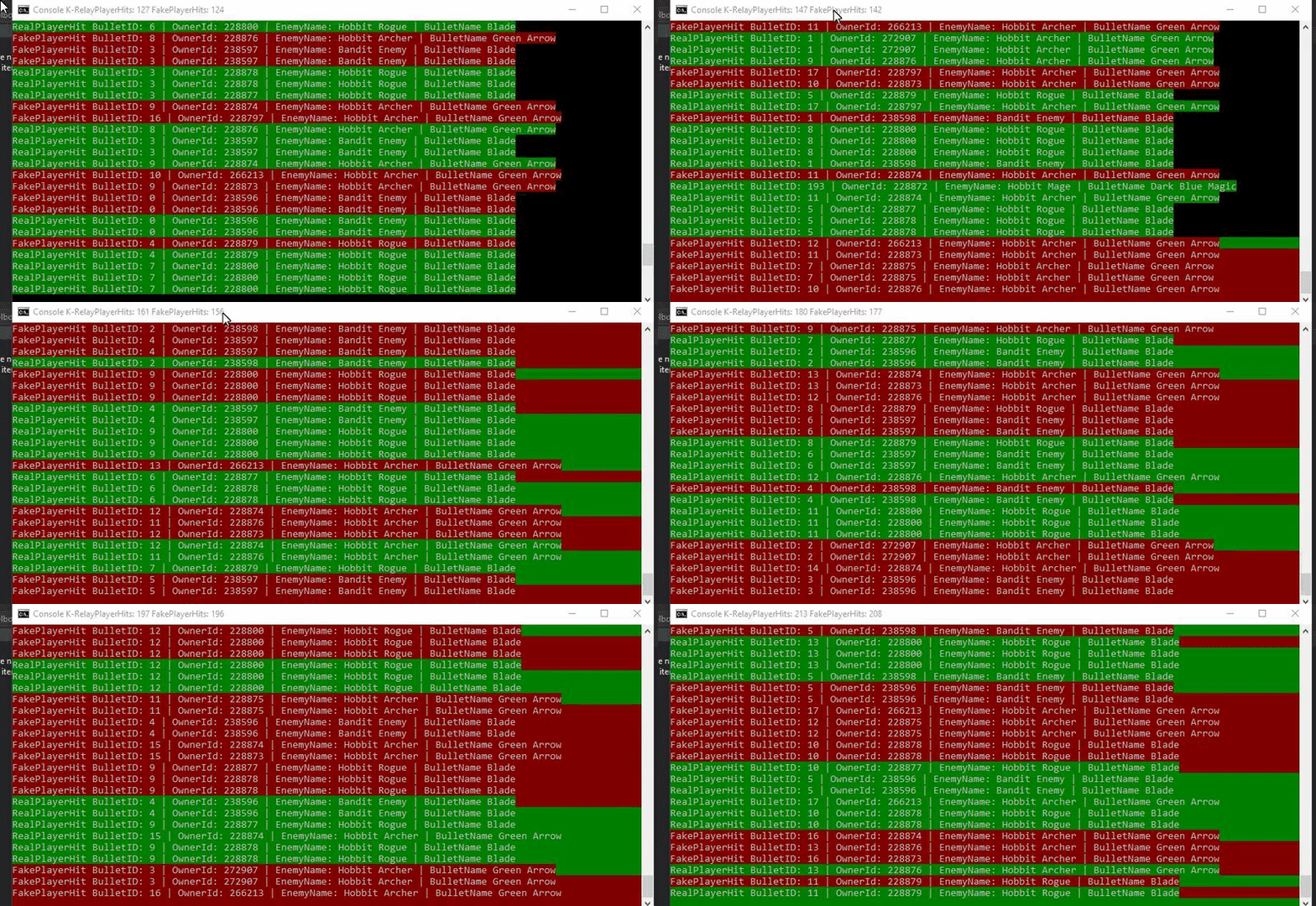
This is my and @pixelzerg 's take on console k-relay


Imo it is milion times better, since you can color background and foreground for easier debugging
 
for example
Quote Originally Posted by einaras View Post
This is my and @pixelzerg 's take on console k-relay

<...>
It does look much better. Makes me wonder, did you two create it for packet debugging only, or did it have any unique and helpful functions?
Quote Originally Posted by New View Post

It does look much better. Makes me wonder, did you two create it for packet debugging only, or did it have any unique and helpful functions?
It has all the plugin code deleted and is filled with methods to help calculate stuff. It is not meant for playing normally, purely for debugging
Quote Originally Posted by einaras View Post
It has all the plugin code deleted and is filled with methods to help calculate stuff. It is not meant for playing normally, purely for debugging
Nice. (this is called replying to gain post count)


update:
Added a customcommands class to make everything simple so I can add new commands really easily (and so can anyone I guess)
Looks not like complete shit now:

Added PlayerShootPacket and EscapePacket in send command

<useless>
Added suicide simulation command (what am I doing with my time)
Added restart command (restarts console krelay)
Added window clear
Added more themes
Added logoprint, it prints the logo in chat...
</useless>

Added detail to packet debugging, in the more important packets that can be visualised easily.
Added filter to packet debug (Only capture a certain packet)

Oh, you can't see plugin description/commands/author

Will probably add another custom command for that.
Interesting. What would you say the benefits of having it in the console is over, say, adding a textbox to the regular k-relay gui where you can input custom commands?
Quote Originally Posted by toddddd View Post
Interesting. What would you say the benefits of having it in the console is over, say, adding a textbox to the regular k-relay gui where you can input custom commands?

Quote Originally Posted by New View Post
You can easily input commands in a console, you couldn't in KRelay. I'm planning to make it able to discard packets and send packets on runtime.
Quote Originally Posted by New View Post
test packets so I don't have to build each time, and use packet sending without making a new temporary plugin each time.
//10 characters
Im not sure if that reply was directed towards me or not, but it wasnt much of an answer. Yes the console has benefits over a non-modified k-relay since the console can accept input (commands), but as i said in my post: what is the benefit over just adding a textbox to regular k-relay where you can input commands....
Quote Originally Posted by toddddd View Post
Im not sure if that reply was directed towards me or not, but it wasnt much of an answer. Yes the console has benefits over a non-modified k-relay since the console can accept input (commands), but as i said in my post: what is the benefit over just adding a textbox to regular k-relay where you can input commands....
Guess it's better for debugging. Although a text box seems perfectly logical as well.
Quote Originally Posted by toddddd View Post
Im not sure if that reply was directed towards me or not, but it wasnt much of an answer. Yes the console has benefits over a non-modified k-relay since the console can accept input (commands), but as i said in my post: what is the benefit over just adding a textbox to regular k-relay where you can input commands....
Sure, you can add a textbox to KRelay and a "Send" button (or send with enter). But a console, you can run through the command prompt, maybe add some arguments to Main(string args[]).

Example:

ConsoleKRelay.exe noPlugins

would load consolekrelay with no plugins loading

You can't do that in WinForms, at least not in the easy way.


- - - Updated - - -

Apart from that, making a new project (and not just editing the github one) helped me understand where everything I need to edit is, without having to look for it constantly.
This looks absolutely amazing, I love the concept. I'd love to play around with it, even if you decide not to release it it still looks really cool and I'd be willing to test stuff out for you.
This reminds me, is there a way(maybe spamming the client with fake bullets) to simulate your character's death(So you can see your fame, accuracy, other shit, look cool, etc.)?
Quote Originally Posted by pyrolizard View Post
This reminds me, is there a way(maybe spamming the client with fake bullets) to simulate your character's death(So you can see your fame, accuracy, other shit, look cool, etc.)?
No. You can simulate death, but the client tries to retrieve your graveyard info from the appspot, then it detects you are not actually dead, so you don't die
Posts 1–15 of 27 · Page 1 of 2
This thread is closed for replies.

Similar Threads

Tags

None

Talk with us