
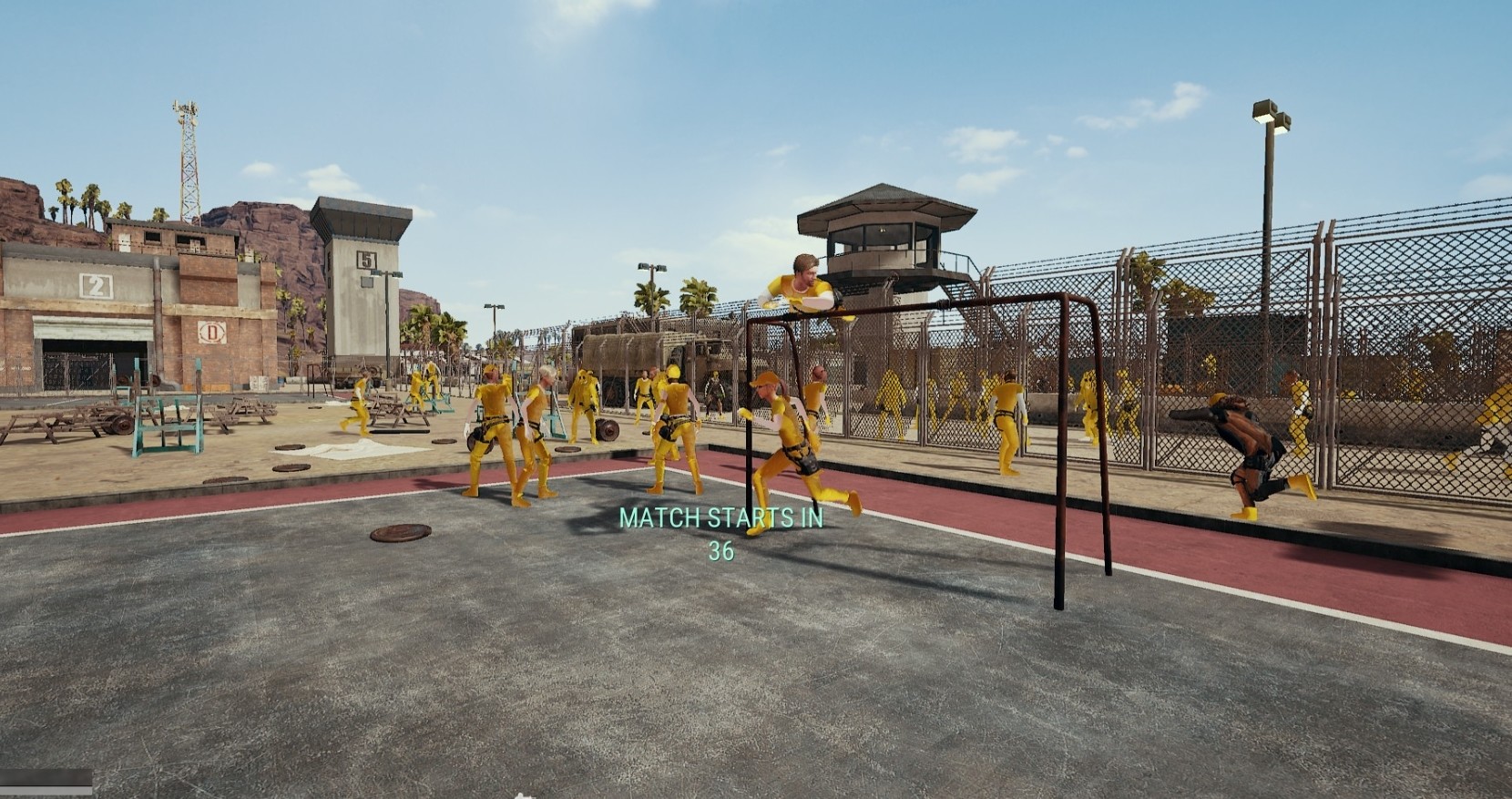
Pubg .Paks [No recoil, No Spread, Golden Player, No Grass, No Bush ...]
These have been floating around on the Chinese boards for awhile and some kids selling this so here it is for free. Use at your own risk!
(credits: dracorx, gznster, cjl3416)
PAK Bypass Method 1 (Safest method ever - this method is from dracorx i have never used it)
You need:
- Unreal Engine 4 pak-file Unpacker
- Python 2.7
- u4pak.py from github
- TslGame folder in "pubg-pak-files_mpgh.net.zip"
You don't need:
- ready .pak files folder delete it.
1. Open UE4PakUnpacker.exe and choose a game .pak from SteamApps\common\PUBG\TslGame\Content\Paks e.g. TslGame-WindowsNoEditor_sound.pak
2. Unpack, it will dump the contents to a folder named TslGame in C:/
3. Merge “TslGame/Content” from "pubg-pak-files_mpgh.net.zip" into the newly dumped TslGame folder
4. Move the TslGame folder to the same folder where u4pak.py exists
5. Open a Command Prompt in the same folder and type: u4pak.py pack TslGame-WindowsNoEditor_sound.pak TslGame
6. Move the newly created .pak to SteamApps\common\PUBG\TslGame\Content\Paks
7. Launch Game!
PAK Bypass Method 2 (not very safe)
This method erases file from disk after the .pak is loaded into game memory by killing pubg's file handle, BE does not start file scans till you join a game. However this only works for assets pre-loaded at the menu like player skins.
Recommended to repack .pak from steps in Bypass Method 1 to change file hash first.
1. Google "IObit Unlocker" download and install (alternatively, use Process Hacker or Process Explorer to kill file handles manually)
2. Start PUBG with gold players.pak from vol.1
3. Once you reach menu, alt+tab to pak folder and right click on mod.pak/s -> IObit Unlocker
4. Unlock -> Unlock & Delete
5. Join a game
PAK Bypass Method 3 (not safe anymore use method 1 or use in a very risky situation)
1.
2. Delete symlink from paks folder in steam/steamapps/..../tslgame/content/paks
We need a video for method 1. Someone please share thanks.
image from Haschdose
virus total result: https://www.virustotal.com/#/file/bc...3b7c/detection

Please give me thanks +rep.
(credits: dracorx, gznster, cjl3416)
PAK Bypass Method 1 (Safest method ever - this method is from dracorx i have never used it)
You need:
- Unreal Engine 4 pak-file Unpacker
- Python 2.7
- u4pak.py from github
- TslGame folder in "pubg-pak-files_mpgh.net.zip"
You don't need:
- ready .pak files folder delete it.
1. Open UE4PakUnpacker.exe and choose a game .pak from SteamApps\common\PUBG\TslGame\Content\Paks e.g. TslGame-WindowsNoEditor_sound.pak
2. Unpack, it will dump the contents to a folder named TslGame in C:/
3. Merge “TslGame/Content” from "pubg-pak-files_mpgh.net.zip" into the newly dumped TslGame folder
4. Move the TslGame folder to the same folder where u4pak.py exists
5. Open a Command Prompt in the same folder and type: u4pak.py pack TslGame-WindowsNoEditor_sound.pak TslGame
6. Move the newly created .pak to SteamApps\common\PUBG\TslGame\Content\Paks
7. Launch Game!
PAK Bypass Method 2 (not very safe)
This method erases file from disk after the .pak is loaded into game memory by killing pubg's file handle, BE does not start file scans till you join a game. However this only works for assets pre-loaded at the menu like player skins.
Recommended to repack .pak from steps in Bypass Method 1 to change file hash first.
1. Google "IObit Unlocker" download and install (alternatively, use Process Hacker or Process Explorer to kill file handles manually)
2. Start PUBG with gold players.pak from vol.1
3. Once you reach menu, alt+tab to pak folder and right click on mod.pak/s -> IObit Unlocker
4. Unlock -> Unlock & Delete
5. Join a game
PAK Bypass Method 3 (not safe anymore use method 1 or use in a very risky situation)
1.
Code:
mklink C:\test\TslGame-WindowsNoEditorNAME.pak C:\steam\steamapps\common\PUBG\TslGame\Content\TslGame-WindowsNoEditor_gamehack.pak
We need a video for method 1. Someone please share thanks.
image from Haschdose
virus total result: https://www.virustotal.com/#/file/bc...3b7c/detection
Please give me thanks +rep.
 Thx
Thx Originally Posted by aku


