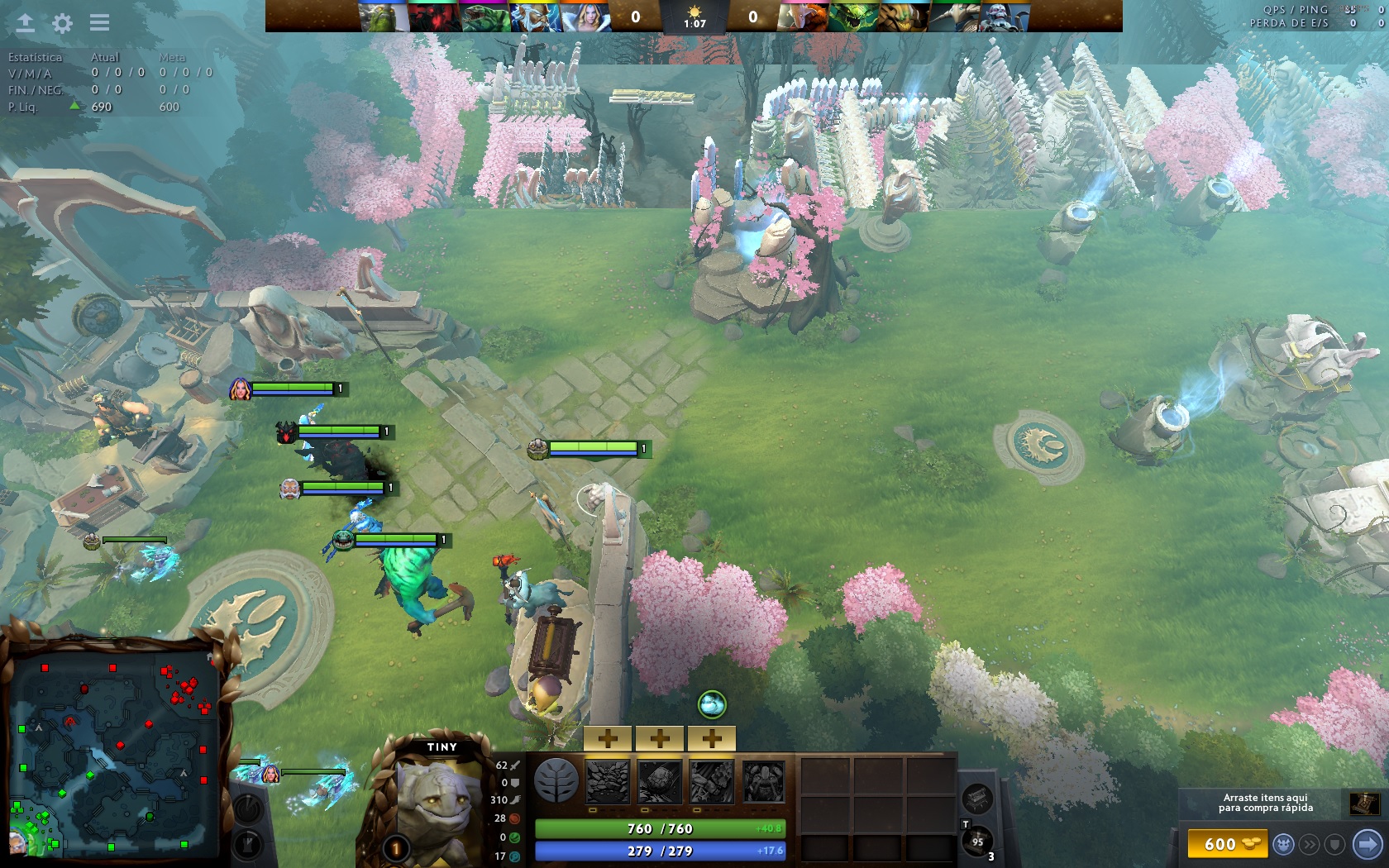
Camera Hack NEW 31.01.20
sorry i am using a translator so there may be some translation difficulties.
For those who asked for that.
OLD
Firstly you must install Notepad++.
Open N++, go to the \Steam\SteamLibrary\SteamApps\common\dota2 beta\game\dota\bin\win32 or win64 and open client.dll. Then press Ctrl+F and search for "1134".
it still works to switch to the old camera dota_camera_legacy 1
NEW camera
go again \Steam\SteamLibrary\SteamApps\common\dota2 beta\game\dota\bin\win32 or win64 and open client.dll
and search "r_propsmaxdist" or "1200"
Change to any value

For those who asked for that.
OLD
Firstly you must install Notepad++.
Open N++, go to the \Steam\SteamLibrary\SteamApps\common\dota2 beta\game\dota\bin\win32 or win64 and open client.dll. Then press Ctrl+F and search for "1134".
it still works to switch to the old camera dota_camera_legacy 1
NEW camera
go again \Steam\SteamLibrary\SteamApps\common\dota2 beta\game\dota\bin\win32 or win64 and open client.dll
and search "r_propsmaxdist" or "1200"
Change to any value


 Originally Posted by rallysasha