WARROCK PROBLEM READ FOR MORE INFO

Posts 1–15 of 31 · Page 1 of 3
WARROCK PROBLEM READ FOR MORE INFO
OK for some odd reason when I open war rock the launcher opens fine. I click OK. Then the Updater comes on I click on. Then Hackshield come on and this
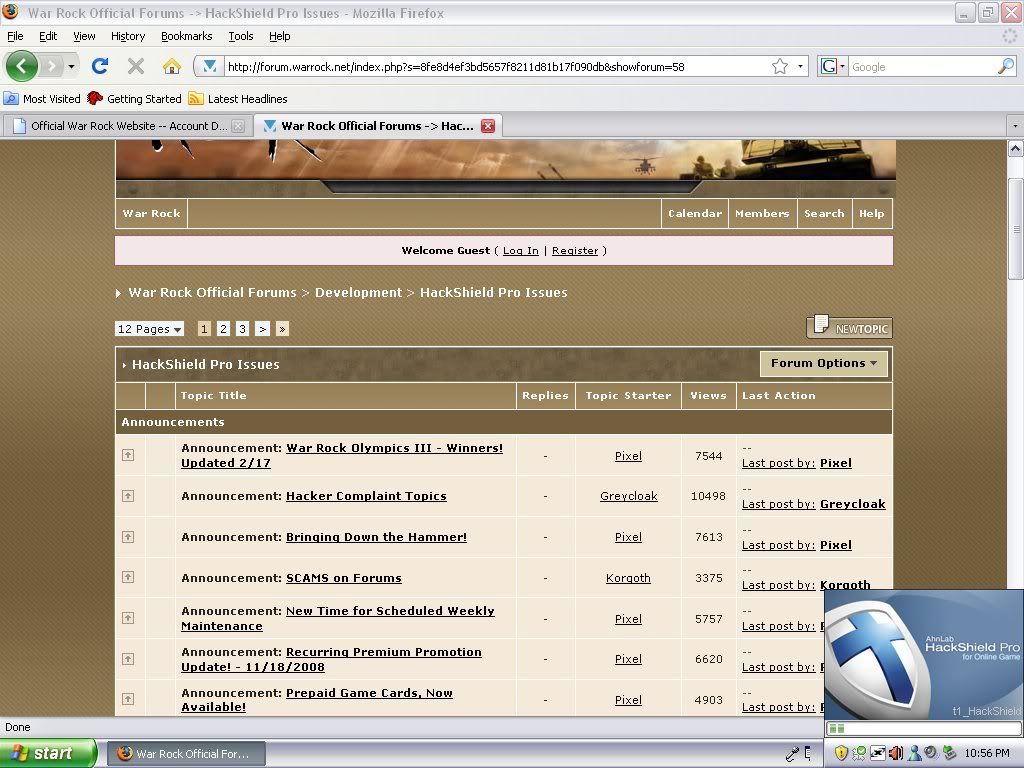
Then is vanishes. What ive relized is that when it says t1_hackshield it will change to t0_hackshield and then vanish. But when it says t0_hackshield it will change to t1_hackshield and then vanish. help please I have made exceptions turned off my firewall and tried it... still no results.........

O.O
I think you need to unistal and instal war rock again !
Quote Originally Posted by Maximkas View Post
O.O
I think you need to unistal and instal war rock again !
tottaly pointless already tried..
1) Install XP SP3
2) Run CCleaner
3) Do a system Restore to when WarRock was working
4) Disable Windows Firewall completey for a little while and see if it works
5) Fuck XP , Install Windows 7.
Quote Originally Posted by EndRiT View Post
1) Install XP SP3
2) Run CCleaner
3) Do a system Restore to when WarRock was working
4) Disable Windows Firewall completey for a little while and see if it works
5) Fuck XP , Install Windows 7.
ok il download xp3
how can i get ccleaner
when u say restore do you mean reboot my whole computer..??? and restore?? how can i do that p;lease me a small tut??
il disable firewall
and how do i get xp7??
Quote Originally Posted by EndRiT View Post
1) Install XP SP3
2) Run CCleaner
3) Do a system Restore to when WarRock was working
4) Disable Windows Firewall completey for a little while and see if it works
5) Fuck XP , Install Windows 7.
What if his comp cant run Windows 7 ?
i had same a time ago,
disappeared after a while
umm how do i restore?????
Quote Originally Posted by ahumah99 View Post
umm how do i restore?????
Click on the Start button and then click on ALL Programs - Accessories - System Tools - System Restore. The Welcome to System Restore Window will appear.
Quote Originally Posted by Obama View Post
Click on the Start button and then click on ALL Programs - Accessories - System Tools - System Restore. The Welcome to System Restore Window will appear.
aight thx im at my uncles rite now bout 2 leave il try then ok thx..
Quote Originally Posted by ahumah99 View Post
aight thx im at my uncles rite now bout 2 leave il try then ok thx..
No problem. Make sure to restore to before you had this problem.
and also what is a torent and il be set???
Quote Originally Posted by ahumah99 View Post
and also what is a torent and il be set???
A torrent file is a file that contains the basic information about a file or set of files and it has other stuff in it also like file names sizes etc. Thank me if I helped you.
Posts 1–15 of 31 · Page 1 of 3
This thread is closed for replies.

Similar Threads

Tags for this Thread

Need help?