EAC Bypass 1.9.4 [Offline for editing]
1. 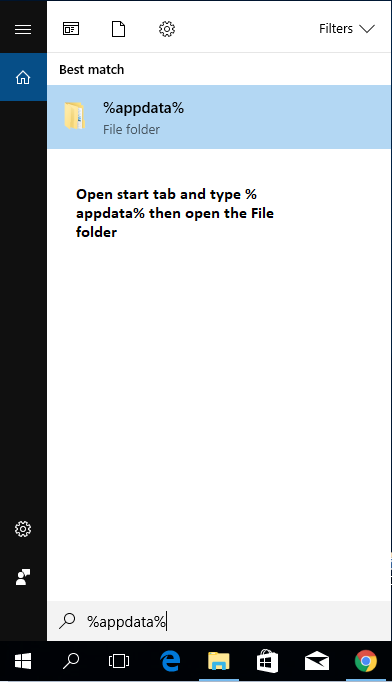
or C:\Users\Your_Name\AppData\Roaming
2. DELETE
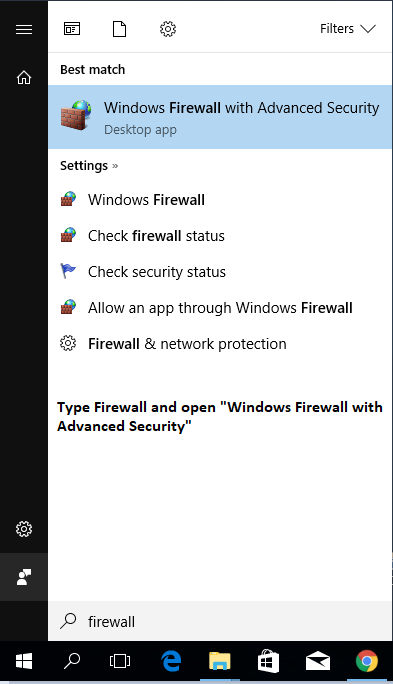
3.
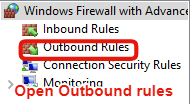
4.
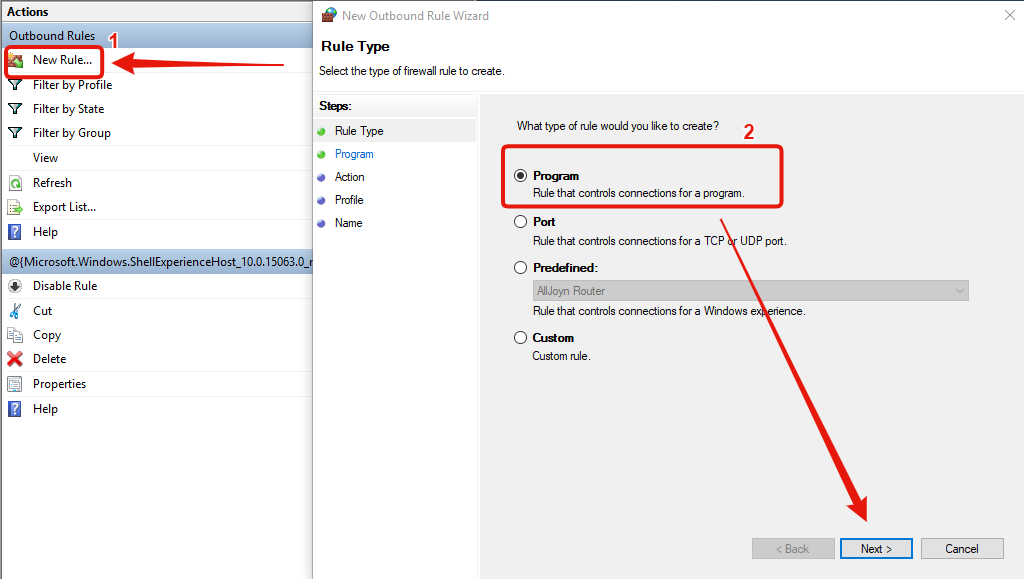
5.
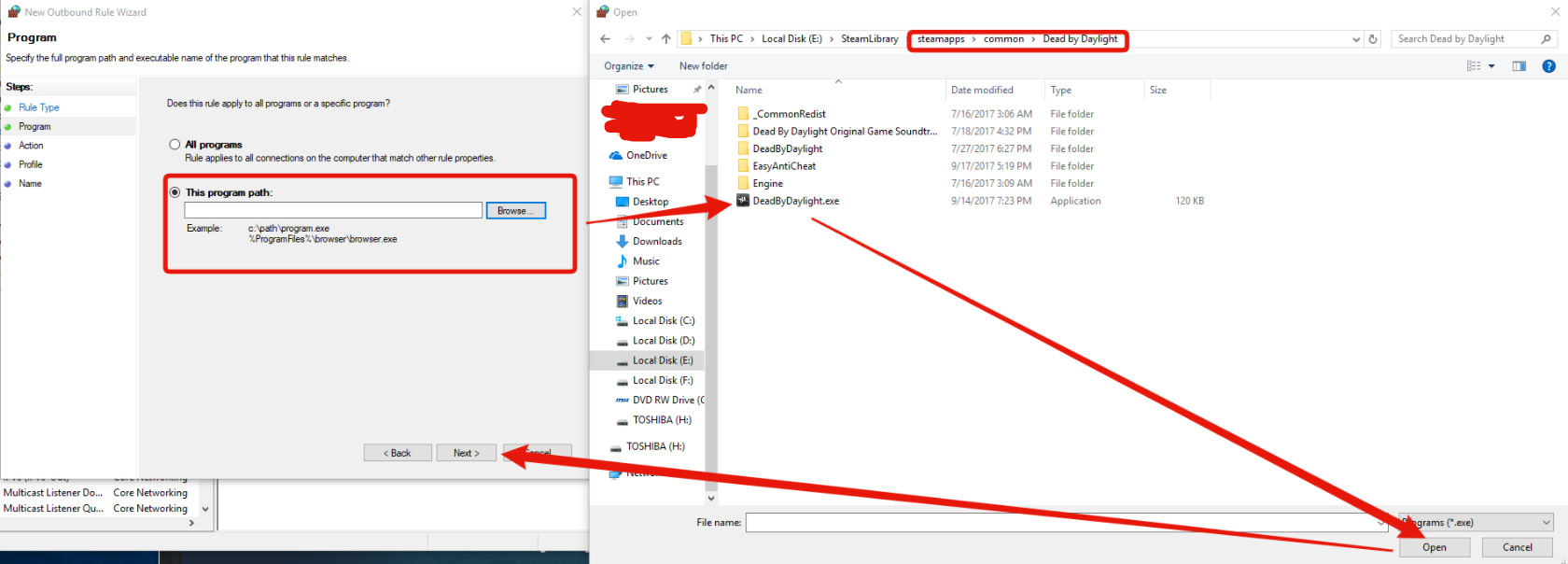
6.
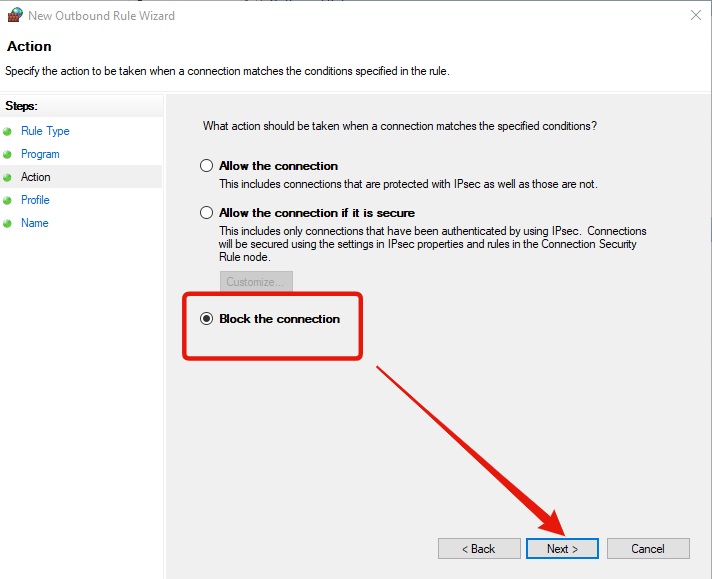
7.
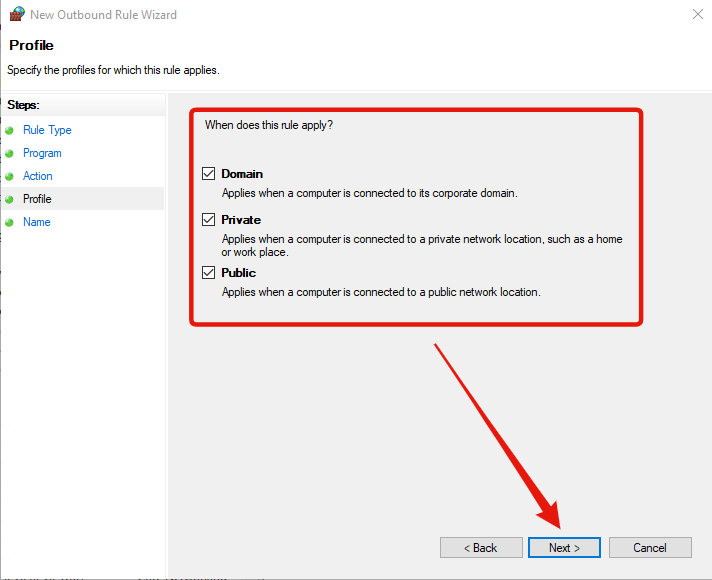
8.
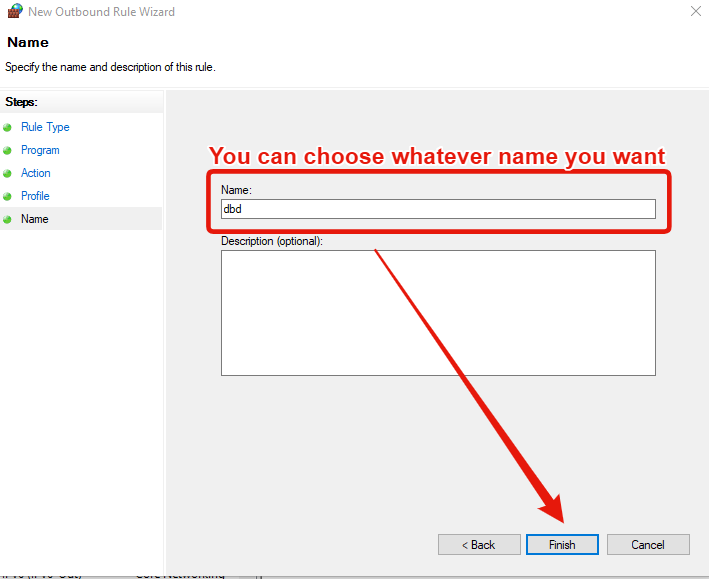
9.
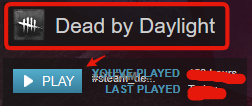
10.
You will have to delete the Easy Anti-Cheat folder from Roaming folder each time you want to start using Cheat engine or whatever in-game to modify Bloodpoints / levels / items etc
The thread will get updated as soon as something changes. Enjoy
or C:\Users\Your_Name\AppData\Roaming
2. DELETE
3.
4.
5.
6.
7.
8.
9.
10.
You will have to delete the Easy Anti-Cheat folder from Roaming folder each time you want to start using Cheat engine or whatever in-game to modify Bloodpoints / levels / items etc
The thread will get updated as soon as something changes. Enjoy
 Originally Posted by morritz


