DLC Unlocker DBD 3.5.0
Permanent DLC unlocker for DBD 3.5.0. DBD 3.0.0 is required as well as 500 auric cells on your account balance.
1. Yes, you need 500 auric cells. This is the must requirement. Those cells won't be spend, after unlocking DLC you will still have 500 cells.
2. After topping up wallet downgrade to 3.0.0. Follow Part 1 of this thread https://www.mpgh.net/forum/showthread.php?t=1486370 if you don't know how.
3. Download and unzip attached folder "GMDLC".
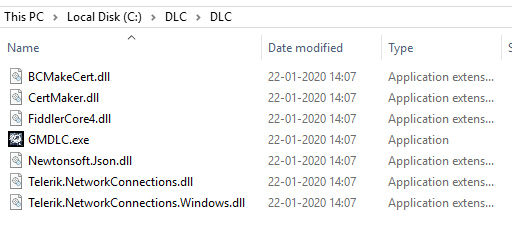
4. Install .NET Framework 4.8. This runtime is required.
5. Launch GMDLC.exe. Install Certificate under Step 1. Once complete, press "Launch", wait for DBD to load and proceed to main menu. Soon this error will stop you.

6. Don't press OK, switch to GMDLC. Select characters you want to unlock or click "Select all DLC" under step 3. Click "Unlock" under step 4 to add selected characters to your inventory.
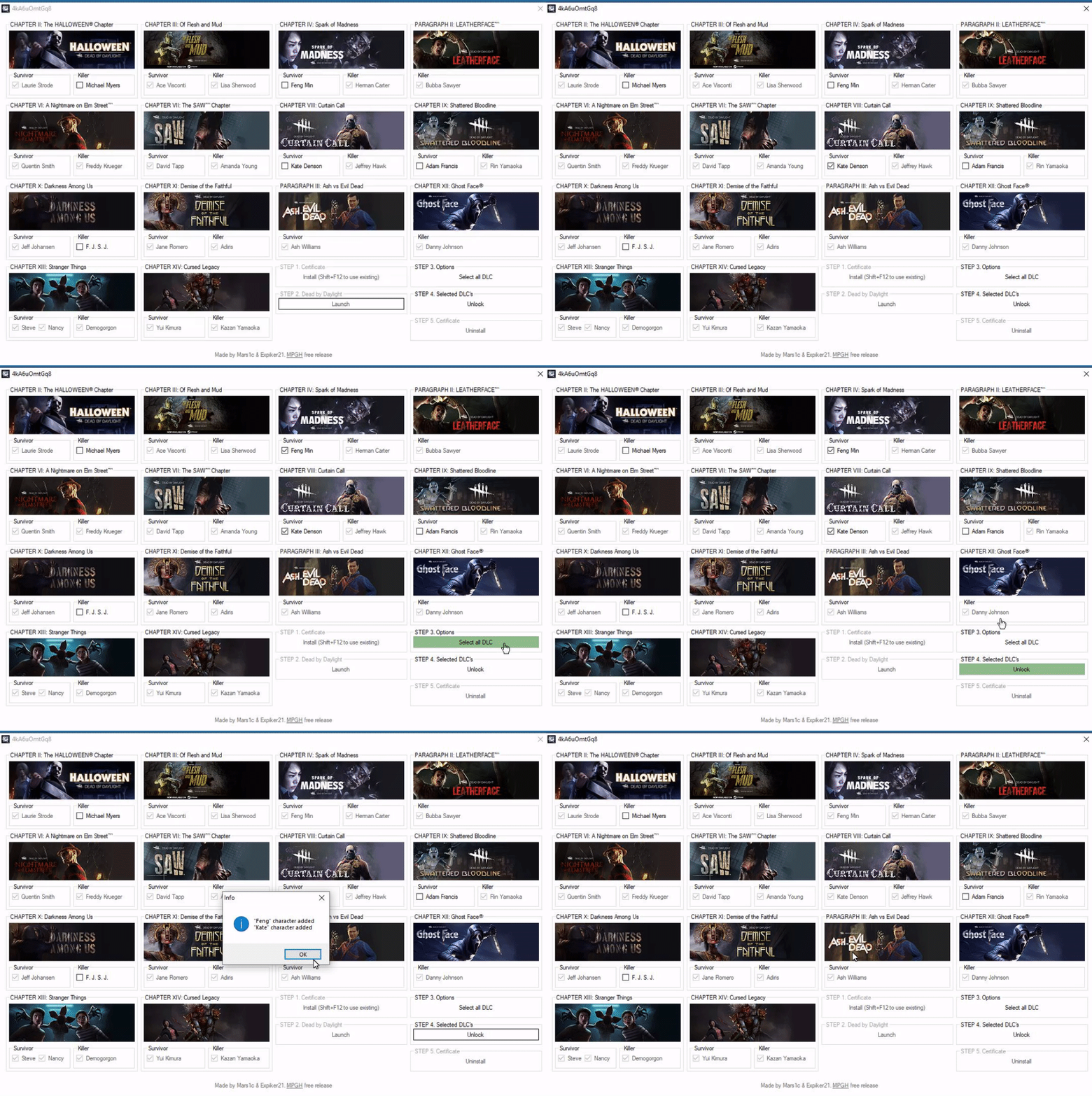
7. Once finished click "Uninstall" under Step 5, accept certificate removal. Restart PC, swap game files of DBD 3.0.0 (C:\Program Files (x86)\Steam\steamapps\common\Dead by Daylight) with the files of latest DBD version (i hope you saved them before downgrading to 3.0.0). Launch DBD through Steam to ensure everything is fine.
Troubleshoot and Notes
1.
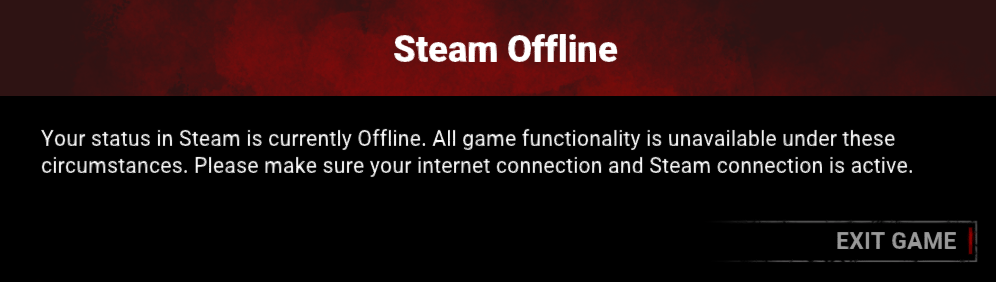
There are many possible reasons why you have this error. Few ways to fix it, try every of them.
- Close DBD, click "Uninstall" under Step 5, accept certificate removal, restart GMDLC, install certificate under step 1, restart Steam, follow rest of the tutorial.
- Install and setup Fiddler. Follow Part 2 of this thread (https://www.mpgh.net/forum/showthread.php?t=1485197) if you don't know how. It's important to install "CertMaker for iOS and Android" addon for Fiddler. Close fiddler, launch GMDLC and press Shift+F12. Instead of creating new certificate application will use existing one, created by Fiddler. Follow the rest of the tutorial.
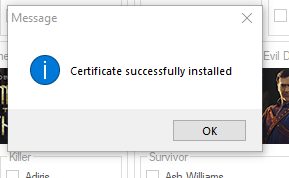
- Make sure you don't have active AV or FaceIt installed. Delete/disable them.
- If nothing helps the only solution for you will be to reset Windows.
2.
Program refuses to launch, some weird error appears, blue screen etc.
Disable Anti Virus, reinstall .NET Framework, set system language to English.
3.
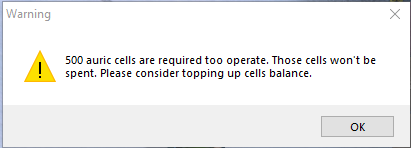
You need 500 auric cells.
Virus Total
https://www.virustotal.com/gui/file/...ab42/detection
Credits
Huge thanks to @Mars1c for the implementation of the technical component of this project.
 Originally Posted by asd8uads8adsads