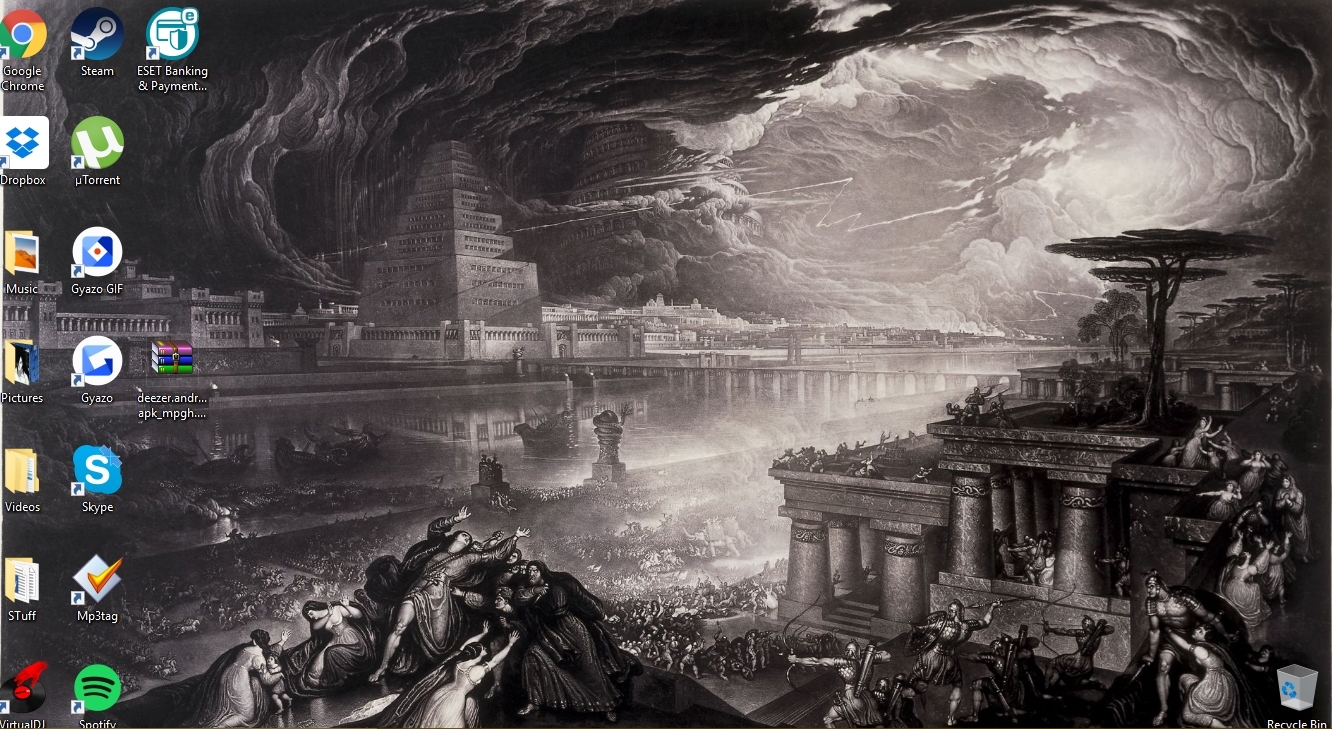
Originally Posted by -Madara_Uchih- No idea why my icons look so big in the screenshot. desktop>right click>view>Small Icons and then there small again
Originally Posted by Silent desktop>right click>view>Small Icons and then there small again It looks fine now, it's only in the screenshot that looks big.
Originally Posted by -Madara_Uchih- It looks fine now, it's only in the screenshot that looks big. Ahh allright
Originally Posted by BattlefieldFOR ur desktops are abs shit lol Yes and yours is absolutely amazing, no kidding. ~Show us you turd before you calls ours abs shit~ Or are yo gonna hide cos your desk looks unorganized trashcan ?


 Originally Posted by -Madara_Uchih-
 Originally Posted by Silent
Originally Posted by -Madara_Uchih-
Originally Posted by BattlefieldFOR
Originally Posted by BattlefieldFOR
Originally Posted by Silent
Originally Posted by -Madara_Uchih-
Originally Posted by BattlefieldFOR
Originally Posted by BattlefieldFOR