[ Poly Hack ] Dank Poly v1.7

Features
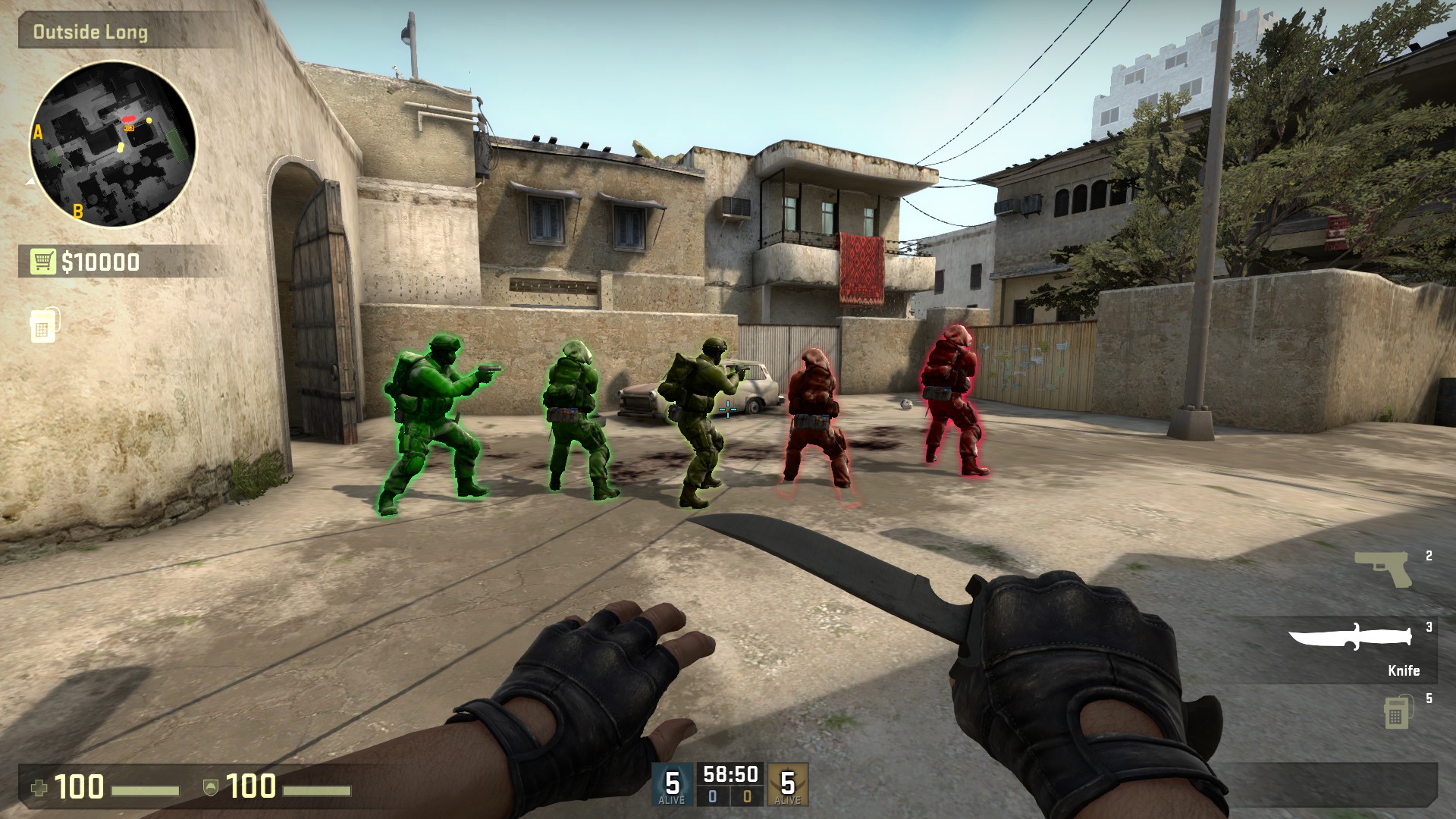
ESP [F1 to Toggle]
Trigger Bot [F2 to Toggle]
(Triggerbot does not have a hold key on DEFAULT, SET IT YOUR SELF)
No Recoil [F3 to Toggle]
No Flash [F4 to Toggle]
Radar [F5 to Toggle]
Bunny Hop [F6 to Toggle]
Panic Key [F7 to exit]
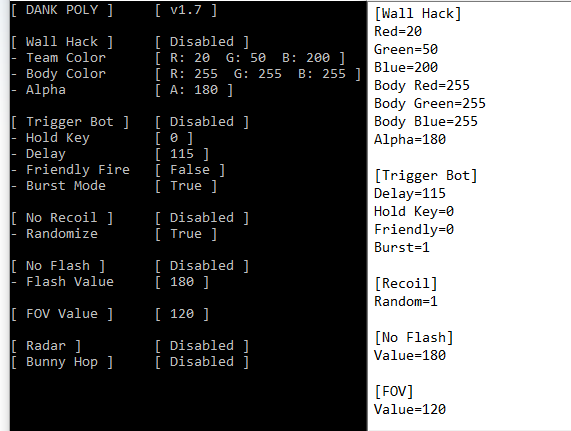
FOV Changer [Enter value in Dank Settings.ini]
Taking request as of now,
How do i change the settings?
Just look for the Dank Settings.ini in the folder of where the .exe file is.
For settings such as Hold Key, Friendly Fire, and randomize... Setting it to 0 will disable this feature.
How do i change the hold key for Triggerbot?
Go HERE and look for the key codes of your desired key, for example, if you want to use ALT as your hold key, type 0x12 right next to Hold Key.
How to use?
http://www.mpgh.net/forum/showthread.php?t=1096825
Credits:
@PhY'z @Radu97 @WasserEsser
Larry Tesler (noKappa)
The Community.
 Originally Posted by kentoh89