Dank Poly [Polyhack / OpenSource] v2.0
DANK POLY v2.0
MENU
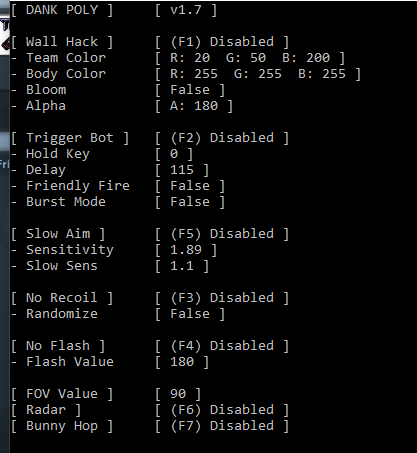
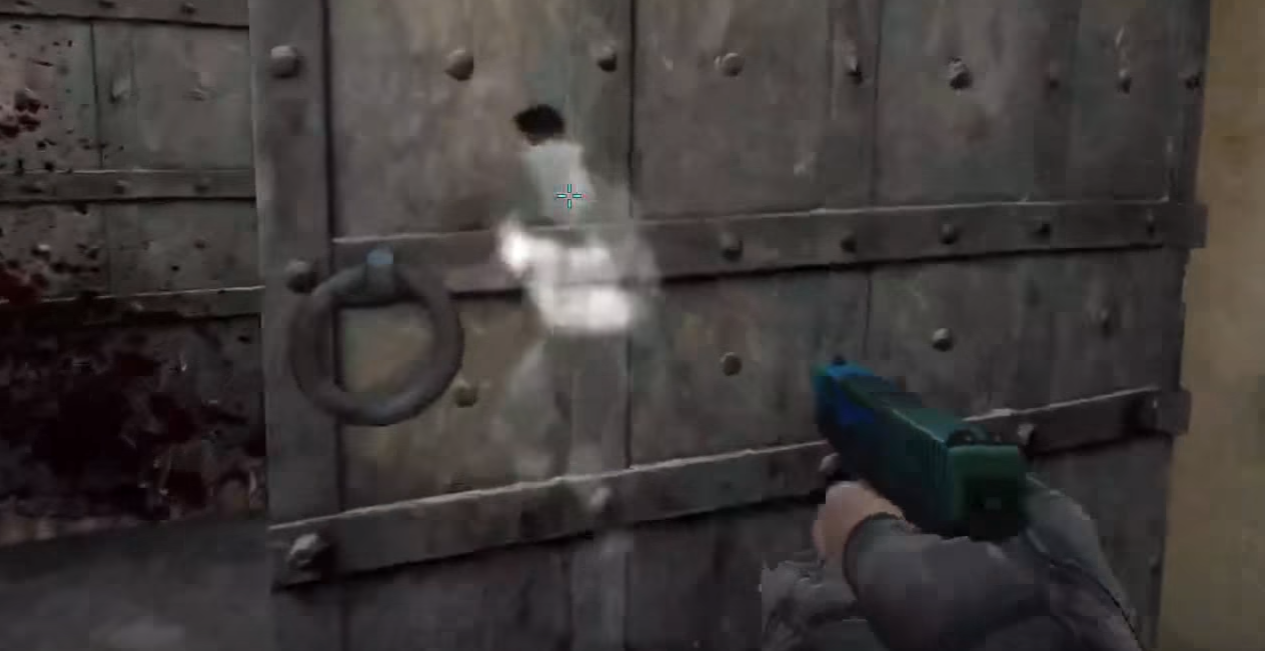
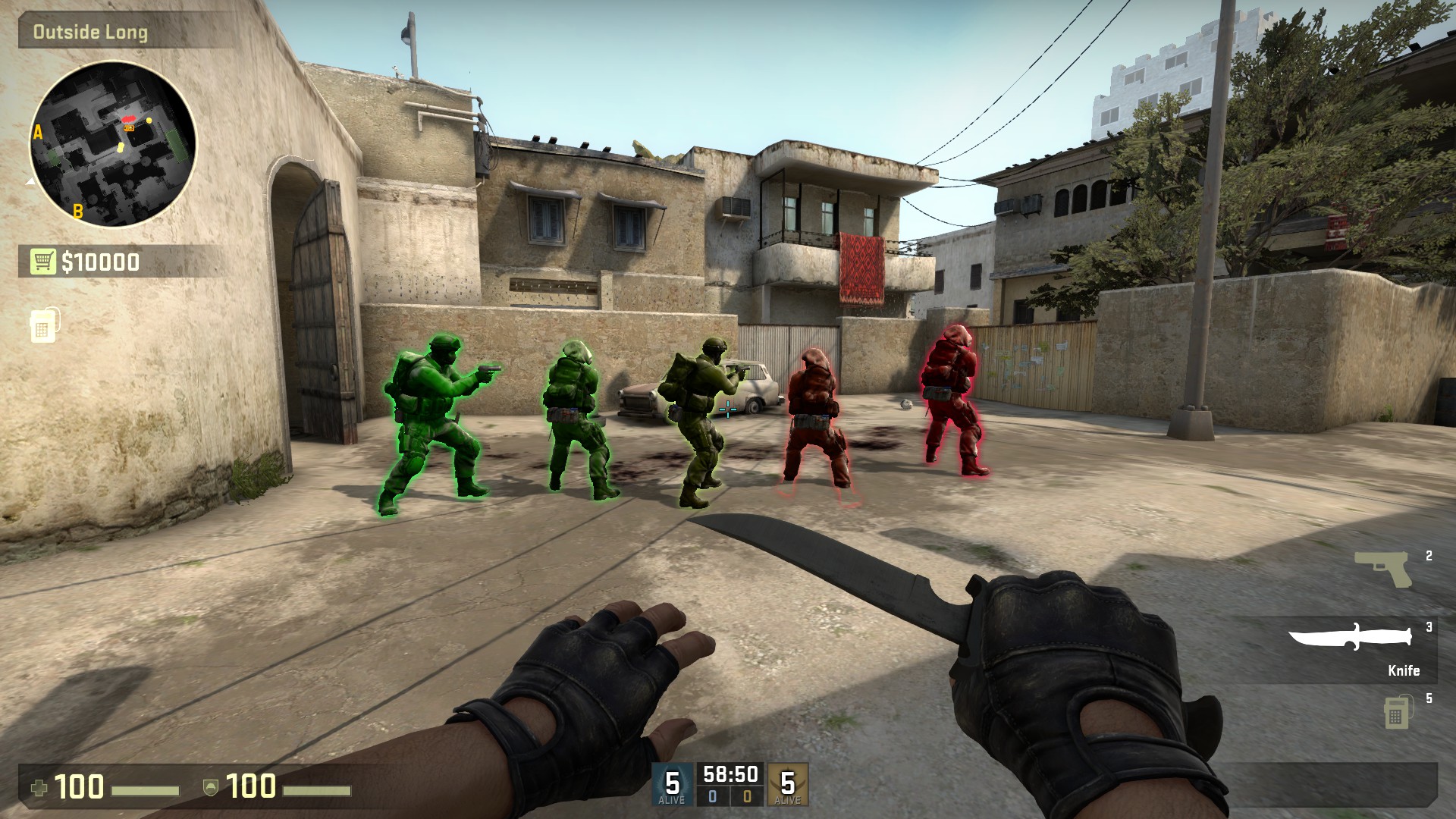
Features:
A key translator? lel
Fov Changer
Trigger bot
Bunny Hop
Slow Aim
No Recoil
No Flash
Radar
ESP
Next Features:
Rank Scanner
(This is already finish but i haven't tested it yet(Still need to buy csgo), so it won't be added on this build)
How to use:
http://www.mpgh.net/forum/showthread.php?t=1096825
How do I change the settings?
Just look for the Dank Settings.ini in the folder of where the .exe file is.
For settings such as Hold Key, Friendly Fire, and randomize... Setting it to 0 will disable this feature.
How do I change the hold key for Triggerbot?
Go HERE and look for the key codes of your desired key, for example, if you want to use ALT as your hold key, type 0x12 right next to Hold Key.
 Originally Posted by 11MLGMLG11


