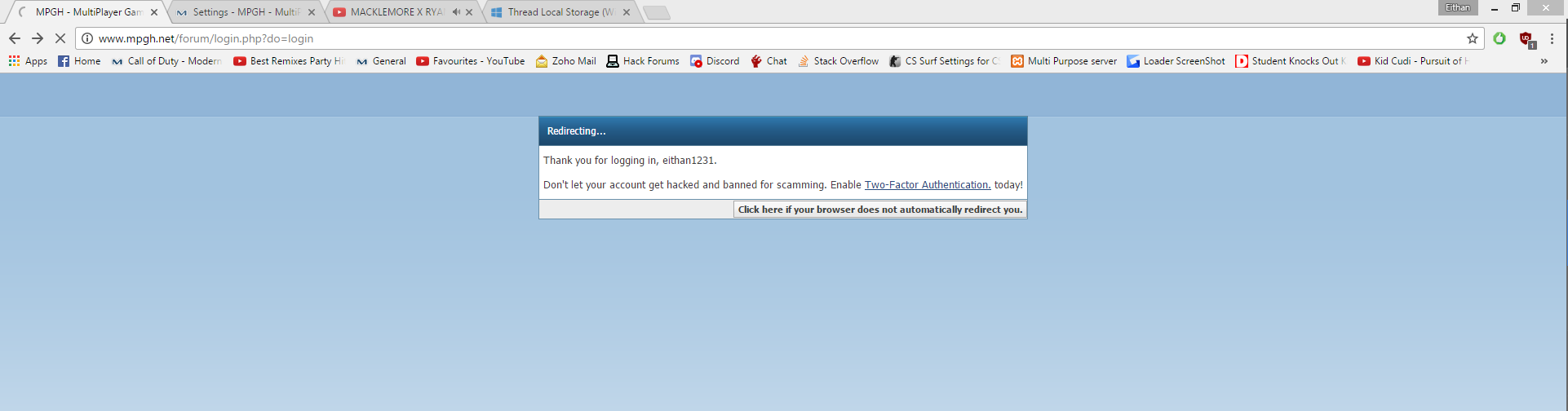
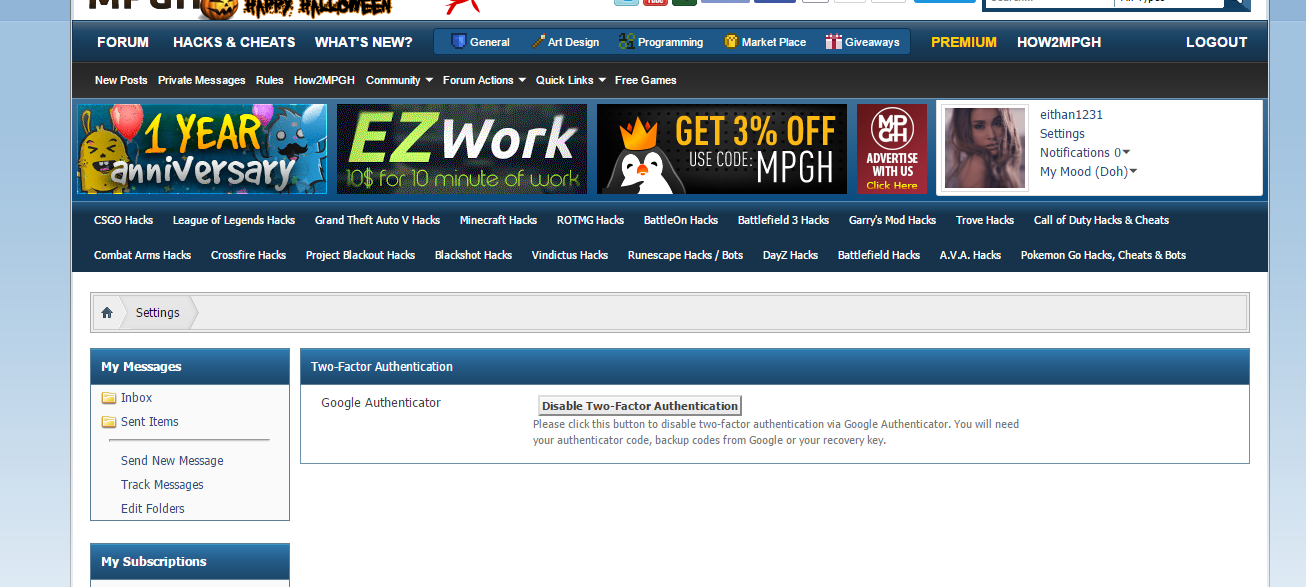
So I enabled 2 factor auth when it came out. And I just cleared all cookies and stuff with CCleaner and when I logged back into MPGH it said "Don't let your account get hacked. Enable 2 factor-auth", Just went to settings then and it said it's enabled.
try to use vpn and login back to mpgh. If the 2FA doesnt appear then u need to disable and enable it again
Huh. Maybe it's just cache. Like said above, use a VPN or restart internet (assuming your IP is dynamic) and see if it presents the message again
Originally Posted by Ahlwong
Huh. Maybe it's just cache. Like said above, use a VPN or restart internet (assuming your IP is dynamic) and see if it presents the message again
Originally Posted by Mirza2002
try to use vpn and login back to mpgh. If the 2FA doesnt appear then u need to disable and enable it again
Logged out and logged in. Asuming it's just the default "logged in sucessfull" page. regardless if you have it on
Originally Posted by eithan1231
Logged out and logged in. Asuming it's just the default "logged in sucessfull" page. regardless if you have it on
Checked it! Yup its just the default of logged in announcement
From my experience, the 2FA works by remembering the IPs you've allowed to log in to your account instead of using your cache.
I don't like how it works on here, but that's just me.
@eithan1231 if you ID does not change then you will log in automatically.
I am pretty sure the 2FA works by remember your ip like the above posts commented. It does not work
like a saved password where you store your password on the browser and when you delete everything, that gets deleted as well.
Try logging in on your phone or with a different IP you have not used before. If the 2FA says it is enable, then it should be working
unless these is some sort of problem with it. Which could be possible but I doubt it.
Logging in and out will not make a difference if the 2FA already has your IP stored.
@Hero
Originally Posted by Dynasty
@eithan1231 if you ID does not change then you will log in automatically.
I am pretty sure the 2FA works by remember your ip like the above posts commented. It does not work
like a saved password where you store your password on the browser and when you delete everything, that gets deleted as well.
Try logging in on your phone or with a different IP you have not used before. If the 2FA says it is enable, then it should be working
unless these is some sort of problem with it. Which could be possible but I doubt it.
Logging in and out will not make a difference if the 2FA already has your IP stored.
@Hero
It's just the default logged in page before you get redirected.