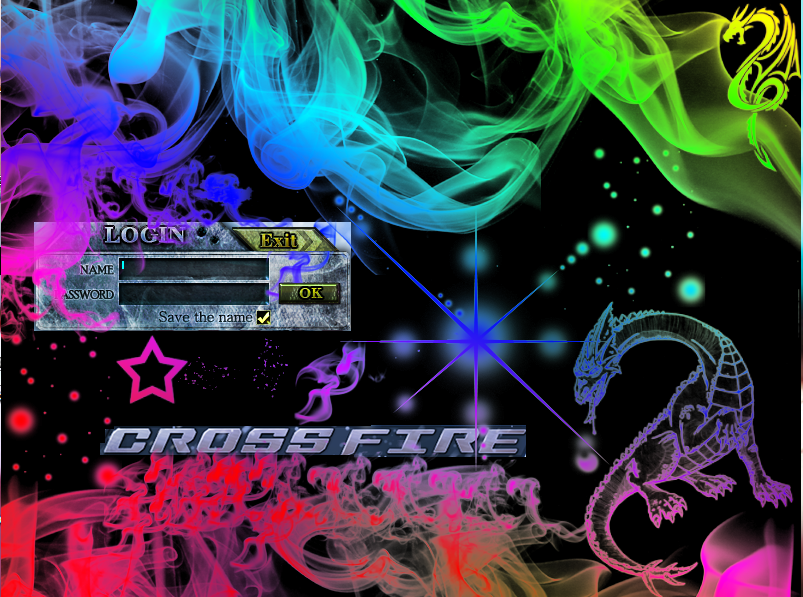
Crossfire Login Screen
Instructions:
1)Go to CF Folder(e.g. C:/Program Files/Z8Games/Crossfire)
2)Go to Rez
3)Go to UI
4)Go to UI_Login
5)Choose with color or without color
6)Extract it in UI_Login
7)A message will come up and all you have to do is click replace
8)Hope you like your brand new Log In screen
Virus Scans
VirusTotal - Free Online Virus, Malware and URL Scanner
CrossfireBG.png - Jotti's malware scan
Screen Shot :
1)Go to CF Folder(e.g. C:/Program Files/Z8Games/Crossfire)
2)Go to Rez
3)Go to UI
4)Go to UI_Login
5)Choose with color or without color
6)Extract it in UI_Login
7)A message will come up and all you have to do is click replace
8)Hope you like your brand new Log In screen
Virus Scans
VirusTotal - Free Online Virus, Malware and URL Scanner
CrossfireBG.png - Jotti's malware scan
Screen Shot :
CrossfireBG (1).rar
 Originally Posted by Time


