Another Reduce lagg guide
This is all leeched, i made this just for those that dont know what to "search" or "google"
For XP users:
1:Go to ure desktop and click "properties"
2:Click "settings"
3:And change the Colour quality to "medium"
4:Go to "start" and rigth click on "computer" then click "properties"
5:Then u go to "andvanced"
6:Then click "performance" and click "adjust for best performance"
Then it should look like
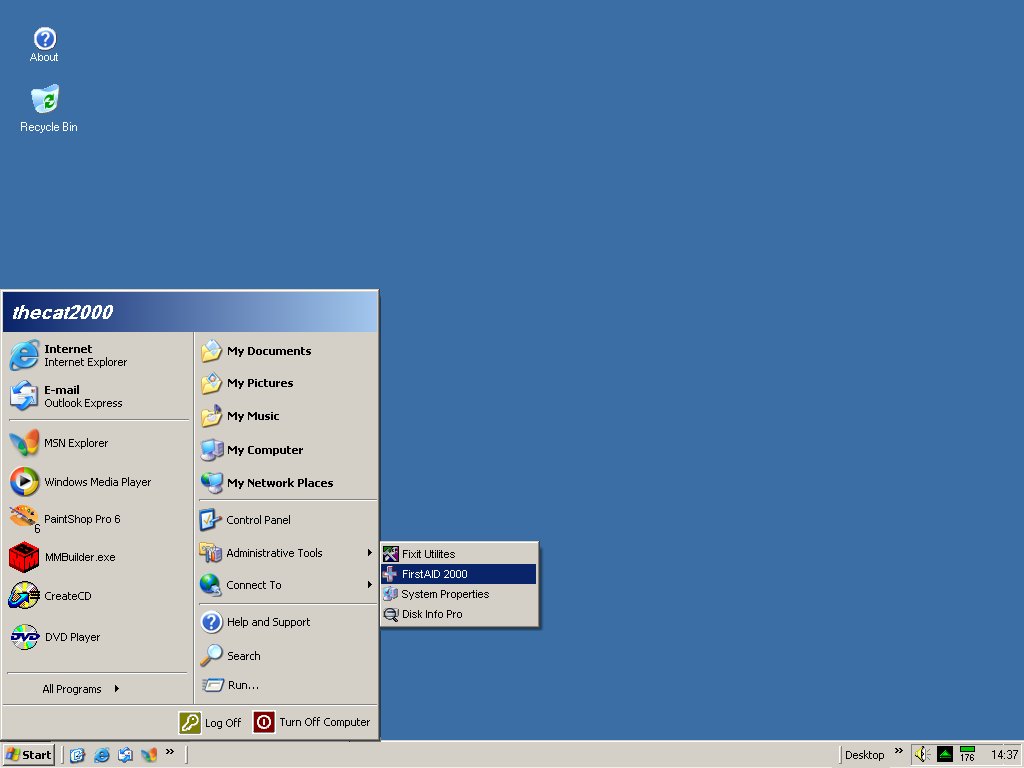
And u can also try Gameboosterⓘ i havent tested it, but it should work
For Vista & 7:
1:Go to "start"
2:Search for "run" open it
3:Then write "regedit"
4:Then u gonna click "LOCAL_MACHINE"
5:Then "System"
6:And then "current control settup"
7:Then "services"
8:There u got a Big ass list, scroll down until u find "tcpip"
9:Then u click "perameters"
10:Then u click "interfaces"
When ure in "interfaces"
1:Rigth click, then "New"
2:Then u create a "DWORD" NOTE! if u have 64bit make QWORD
3:Name the DWORD to "TCPNoDelay"
4:Make a new DWORD and call it "TCpackfrequency"
5:Open the "TCPNoDelay" and set the value to "1" and make sure you set it to hexdesimal (hexadecimal)
6:do the same on the "TCpackfrequency"
7:Then u go to "start"
8:Click "control panel"
9:Go to "uninstall programs"

10:Then u click "Turn windows features on or off"
11:Then u gonna find "Microsoft Message queque"
12:Click it and Able it, then click "OK"
Now u need to restart ure computer
Ok lets geth started again
1:Go to "start" and search "regedit"
2:Go to "LOCAL_MACHINE" then "software"
3:Then u find "microsoft"
4:Make a key called "MSMQ"
5:And inside that u gonna make another key called "Parameters"
6:And inside the "parameters" u gonna make another "DWORD"
7:Rename the "DWORD" to "TCPNoDelay"
8:Open it and set value to "1" and hexdesimal (hexadecimal)
And ure DONE/ Finally huh?
This is for them so really cant read so much.
NOTE! this is for XP
NOTE! this is Vista
Iknow there are vids i have been taking this from, but i have writen all this by myself so i expect a few Thanks
Credz:
Geje2002 (me) for writing all thiiis, and the youtube users that did post these videos
For XP users:
1:Go to ure desktop and click "properties"
2:Click "settings"
3:And change the Colour quality to "medium"
4:Go to "start" and rigth click on "computer" then click "properties"
5:Then u go to "andvanced"
6:Then click "performance" and click "adjust for best performance"
Then it should look like
And u can also try Gameboosterⓘ i havent tested it, but it should work
For Vista & 7:
1:Go to "start"
2:Search for "run" open it
3:Then write "regedit"
4:Then u gonna click "LOCAL_MACHINE"
5:Then "System"
6:And then "current control settup"
7:Then "services"
8:There u got a Big ass list, scroll down until u find "tcpip"
9:Then u click "perameters"
10:Then u click "interfaces"
When ure in "interfaces"
1:Rigth click, then "New"
2:Then u create a "DWORD" NOTE! if u have 64bit make QWORD
3:Name the DWORD to "TCPNoDelay"
4:Make a new DWORD and call it "TCpackfrequency"
5:Open the "TCPNoDelay" and set the value to "1" and make sure you set it to hexdesimal (hexadecimal)
6:do the same on the "TCpackfrequency"
7:Then u go to "start"
8:Click "control panel"
9:Go to "uninstall programs"
10:Then u click "Turn windows features on or off"
11:Then u gonna find "Microsoft Message queque"
12:Click it and Able it, then click "OK"
Now u need to restart ure computer
Ok lets geth started again
1:Go to "start" and search "regedit"
2:Go to "LOCAL_MACHINE" then "software"
3:Then u find "microsoft"
4:Make a key called "MSMQ"
5:And inside that u gonna make another key called "Parameters"
6:And inside the "parameters" u gonna make another "DWORD"
7:Rename the "DWORD" to "TCPNoDelay"
8:Open it and set value to "1" and hexdesimal (hexadecimal)
And ure DONE/
Finally huh?This is for them so really cant read so much.
NOTE! this is for XP
NOTE! this is Vista
Iknow there are vids i have been taking this from, but i have writen all this by myself so i expect a few Thanks
Credz:
Geje2002 (me) for writing all thiiis, and the youtube users that did post these videos
 Originally Posted by rowan112


