Minecraft 1.7 snapshot launcher

Virus Scan
1. x86
2. x64
How to use it :
- after intsall Start " Minecraft Launcher x64" if your OS is x64 ( 64bit ).
- or Start " Minecraft Launcher " if your OS is x86 ( 32bit ).
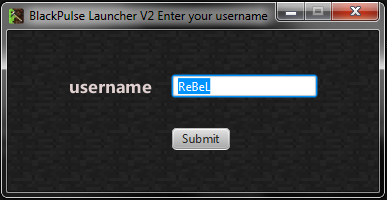
- To play offline enter your username and press "submit".
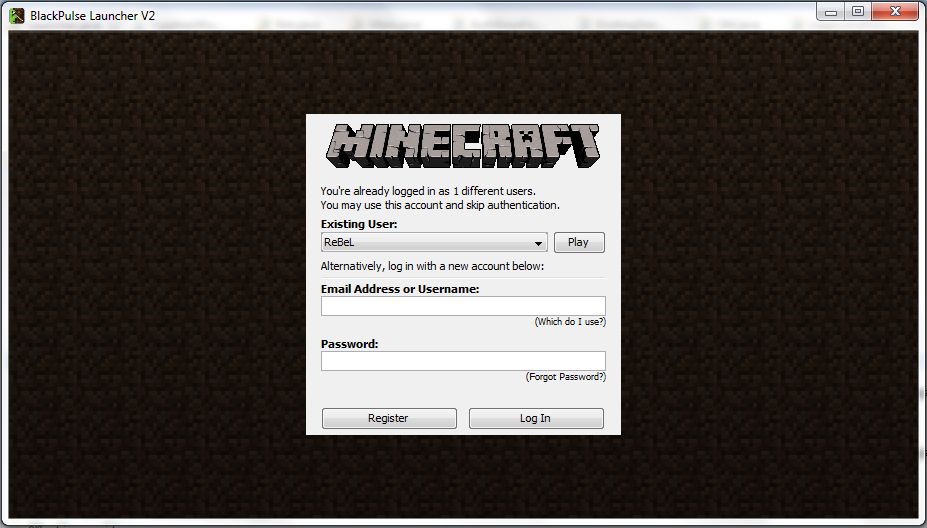
- If u wan to try demo minecraft (demo world) leave it empty and press "submit" next screen just enter any "username" and press "Log In".
- If you wan to play with your premium account follow demo steps but enter your premium "username" and "password" press "Log In".
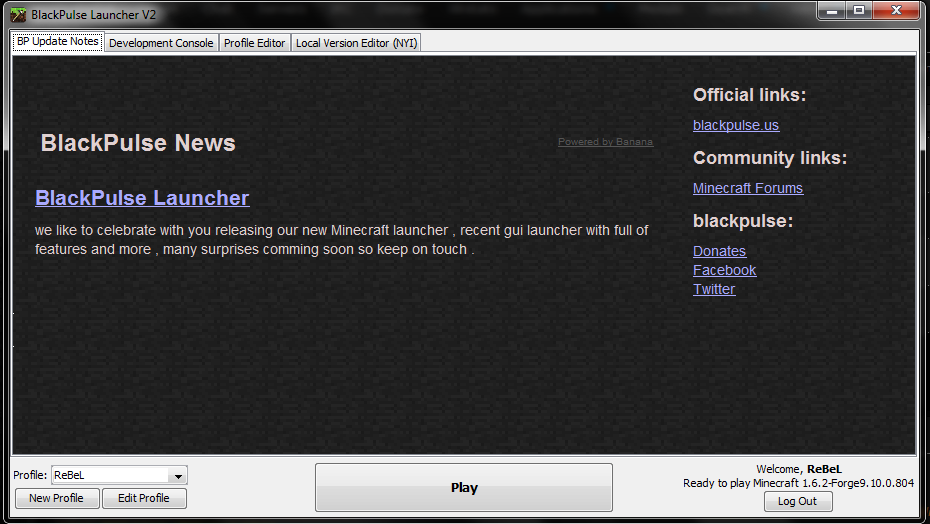
- For 3 types wait complete Download or update .
- Press "play " .
- enjoy
Errors :
- Error :
"Java Runtime Envirenment not valid"
Fix :
check ur system architect version (32bit or 64bit) and download the correct Launcher version for your system.
Credits go to the coder .
 Originally Posted by thecoy


 i will try it


