CoolOutdatedSpiderX v3

Posts 3140 of 40 · Page 3 of 3
Quote Originally Posted by kjexx View Post


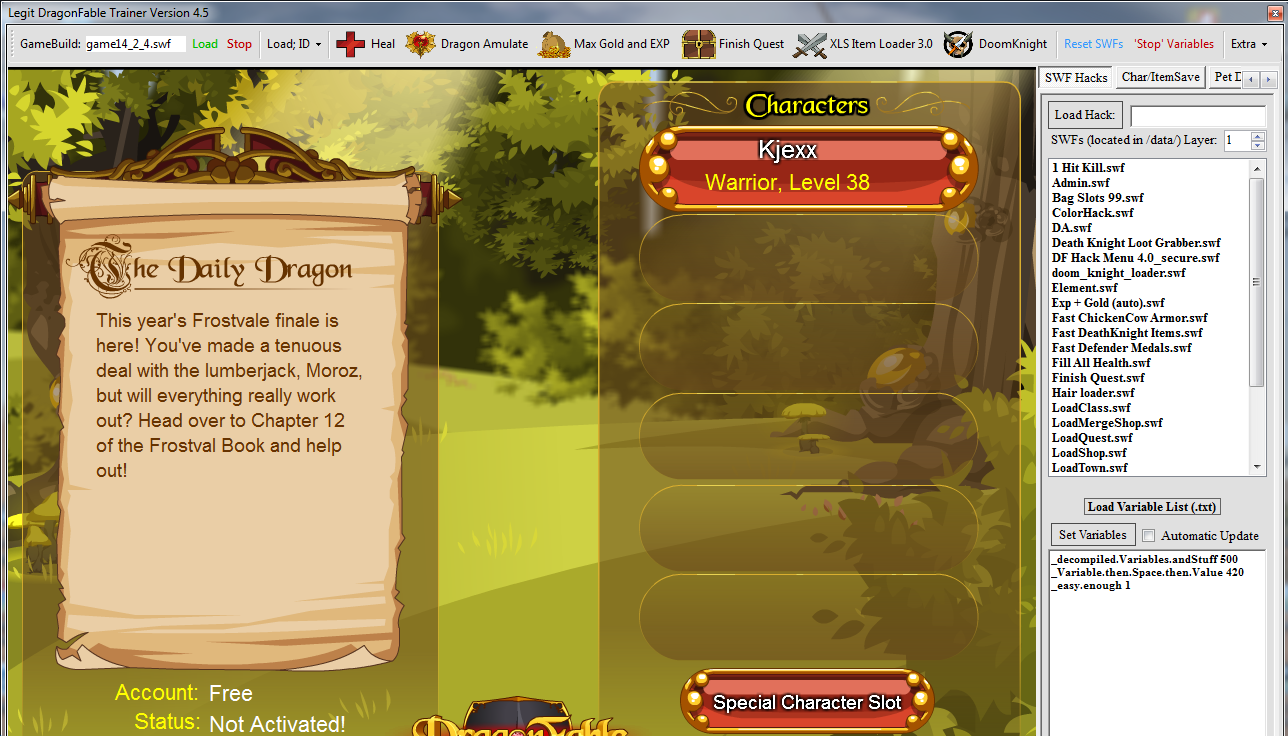
Which should i install?
That's one of the alt options to stop SWFs from crashing. Is your issue with other trainers that SWFs crash?

- - - Updated - - -

Also I doubt your problem even is the swf crashing. I think something else more simple is going on. Reinstall/Update adobe flash, confirm other trainers have same issue, etc..
Quote Originally Posted by Dab View Post
That's one of the alt options to stop SWFs from crashing. Is your issue with other trainers that SWFs crash?

- - - Updated - - -

Also I doubt your problem even is the swf crashing. I think something else more simple is going on. Reinstall/Update adobe flash, confirm other trainers have same issue, etc..
other trainers working bro (legit dragon fable, Lebot, Grimoire...) but this trainer doesn't working.


I don't understand you much. My English not good.
Quote Originally Posted by kjexx View Post
other trainers working bro (legit dragon fable, Lebot, Grimoire...) but this trainer doesn't working.


I don't understand you much. My English not good.
Then it's just the program. You'll need to talk to the OP about what the issue is. It could be something as simple as u not pressing a load button or not extracting files.
Quote Originally Posted by Dab View Post
Then it's just the program. You'll need to talk to the OP about what the issue is. It could be something as simple as u not pressing a load button or not extracting files.
enough. I give up. I could not
Uh how are you supposed to load the login page on this thing? Am I missing something because don't see a button for it anywhere and all I see is a white screen (other trainers like legit dragonfable work perfectly fine)

Well I found the reconnect option but that does nothing still a white screen and when I left click says flash not loaded btw my trainer isn't crashing or anything the issue that is flash player is not loading for whatever reason.

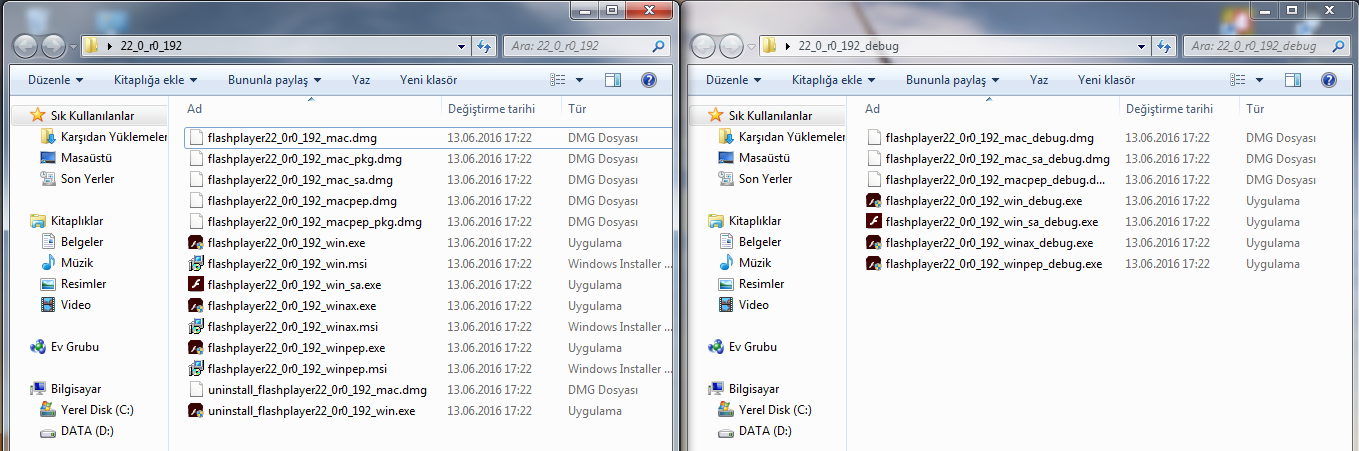
My flash version is 22.0.0.192 on windows 7.
Quote Originally Posted by tdbbd View Post
Uh how are you supposed to load the login page on this thing? Am I missing something because don't see a button for it anywhere and all I see is a white screen (other trainers like legit dragonfable work perfectly fine)

Well I found the reconnect option but that does nothing still a white screen and when I left click says flash not loaded btw my trainer isn't crashing or anything the issue that is flash player is not loading for whatever reason.

My flash version is 22.0.0.192 on windows 7.
If other trainers are working as you say then it's not the case of Adobe Flash Player. It may be something to do with Microsoft .NET Framework. Try doing these steps below;
Quote Originally Posted by 133spider
To install or repair Microsoft .NET Framework please do the following:

1. Close all open applications.
2. Click the Windows Start button and choose Control Panel.
3. Double-click Program and Features > Uninstall a program.
4. Search the list of currently installed programs for Microsoft .NET Framework


If the program isn't listed, install it.

If the program appears in the list, repair it:

1. Select Microsoft .NET Framework, and then click Change/Remove.
2. Select Repair, and then click Next.
3. When prompted, restart your computer.


NOTE: If the error persists after installing or repairing, there may be other damaged components to the Microsoft .NET Framework. Uninstalling and then reinstalling Microsoft .NET Framework using the steps in Repairing or reinstalling Microsoft .NET Framework may resolve the issue.
Microsoft.NET == Unstable? Why, M$oft...hmmm...of course...($)
Here's something I found that concerns Microsoft.NET software.

You can uninstall, reinstall, and repair all you wish, even do a fresh reinstall of your OS by using the Anytime Upgrade, and that is a roll of the dice whether it solves your issue because Microsoft.NET is actually a fairly unstable software in that every single instance will have patches done that differ ever so slightly, leaving compatibility issues.

These compatibility issues are not something that can be mitigated, and therefore must be accounted for.

That's what I found in my case, so this trainer is not going to work unless I get a new computer and do all the installs of older software like Adobe Flash v22.1, and then hopefully, this trainer would work. Alternatively, the developer of the trainer could work extra code into the program to look for and adjust for the anomalies, but that would likely take an exceptional amount of time to account for them.

So, trainer not working? Did all the re-installation steps and still not working? Upgrade/fix your hardware. Or give up on this one, I dunno.

(As for the source of this revelation, search for 'why is Microsoft.NET broken?' or something of the like; I just happened to be randomly searching for reasons why Microsoft.NET is so difficult to actually get installed in the first place and came across the little thing I found but forgot to archive/write down BECAUSE IT WAS 2 AM AND I WAS HALF-ASLEEP THANKS!)
Quote Originally Posted by Amyrakunejo View Post
Here's something I found that concerns Microsoft.NET software.

You can uninstall, reinstall, and repair all you wish, even do a fresh reinstall of your OS by using the Anytime Upgrade, and that is a roll of the dice whether it solves your issue because Microsoft.NET is actually a fairly unstable software in that every single instance will have patches done that differ ever so slightly, leaving compatibility issues.

These compatibility issues are not something that can be mitigated, and therefore must be accounted for.

That's what I found in my case, so this trainer is not going to work unless I get a new computer and do all the installs of older software like Adobe Flash v22.1, and then hopefully, this trainer would work. Alternatively, the developer of the trainer could work extra code into the program to look for and adjust for the anomalies, but that would likely take an exceptional amount of time to account for them.

So, trainer not working? Did all the re-installation steps and still not working? Upgrade/fix your hardware. Or give up on this one, I dunno.

(As for the source of this revelation, search for 'why is Microsoft.NET broken?' or something of the like; I just happened to be randomly searching for reasons why Microsoft.NET is so difficult to actually get installed in the first place and came across the little thing I found but forgot to archive/write down BECAUSE IT WAS 2 AM AND I WAS HALF-ASLEEP THANKS!)
The .NET framework is actually one of the most stable frameworks you can work with. This trainer is just having issues for many people, I'm assuming it's Adobe flash related because the program starts up but doesn't load the swf. It could also be something to do with internet security options, or perhaps the OS it's self.

I'm not sure, but I guess I'll close and mark this thread as patched since OP hasn't responded to any of the issues.
When i download this trainer and opened i can't exactly remember i just opened and closed but game was opened.But later game stuck at white screen.Legit trainer (and others) works good.
Posts 3140 of 40 · Page 3 of 3
This thread is closed for replies.

Similar Threads

Tags for this Thread

None

Need help?